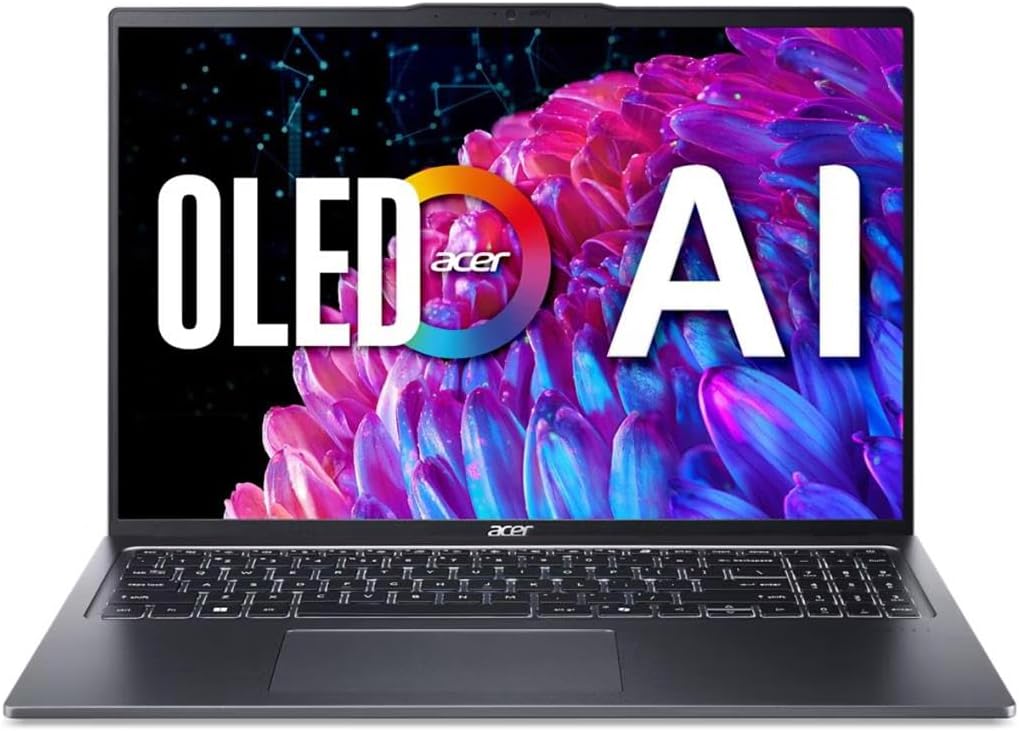
Acer Swift Go 16in
4.1Editor score
Ultra 5 125H CPU
3.2K OLED visuals
Wi-Fi 6E support
OLED technology has transformed how we view content on laptops. With perfect blacks and vibrant colors, these screens offer an immersive experience that traditional panels cannot match. Whether you are editing videos or watching movies, the difference is striking and noticeable immediately.
We have evaluated ten leading models to find the best options available today. Our analysis covers processor speed, battery life, build quality, and display characteristics. Each device was selected based on real-world usability and the value it provides to different types of users.
Every review includes detailed specifications and honest assessments of strengths and weaknesses. Keep in mind that prices fluctuate frequently due to market demand and promotions. Always verify current costs before purchasing to ensure you get the best deal available at this moment.
4.1Editor score

4.0Editor score

5.0Editor score
As an Amazon Associate we earn from qualifying purchases.
This side-by-side comparison highlights the key differences between the top models. You will see how each device balances performance, screen quality, and portability for various needs.


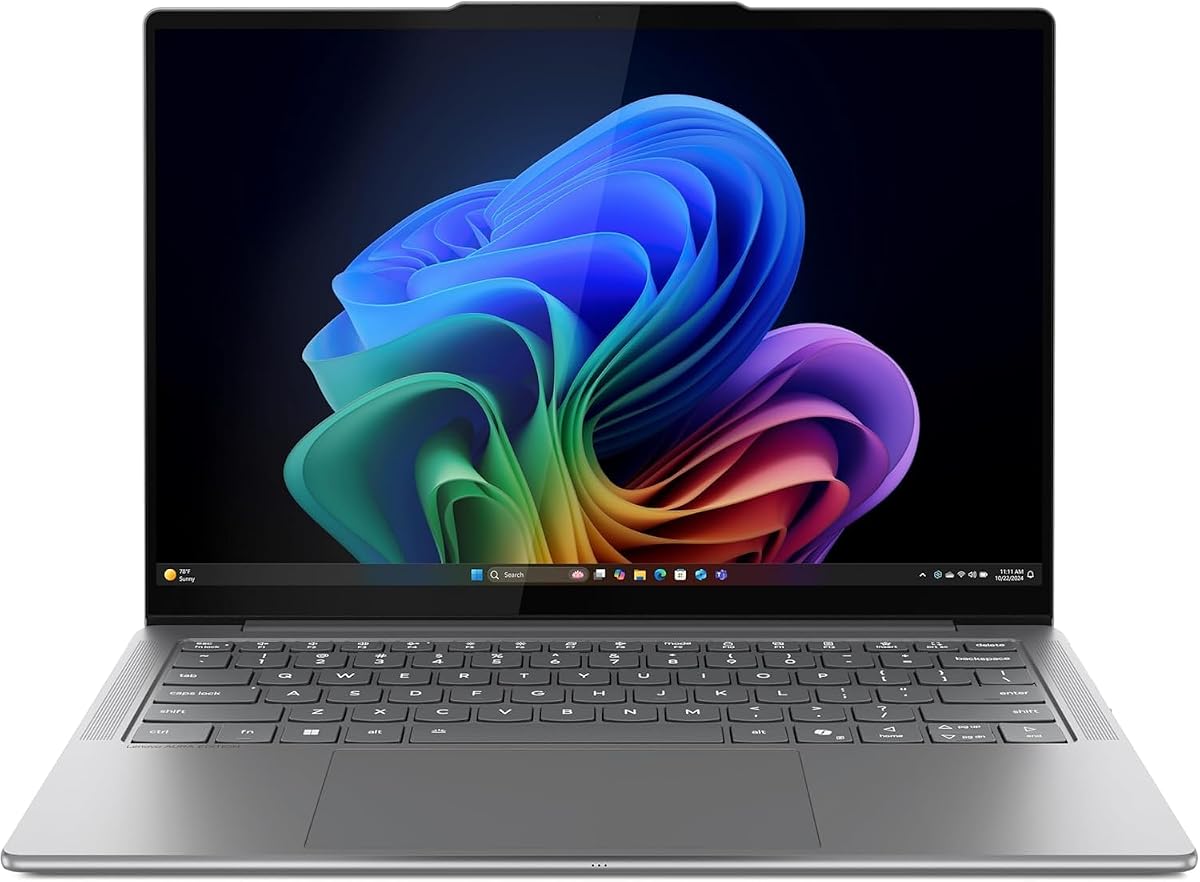
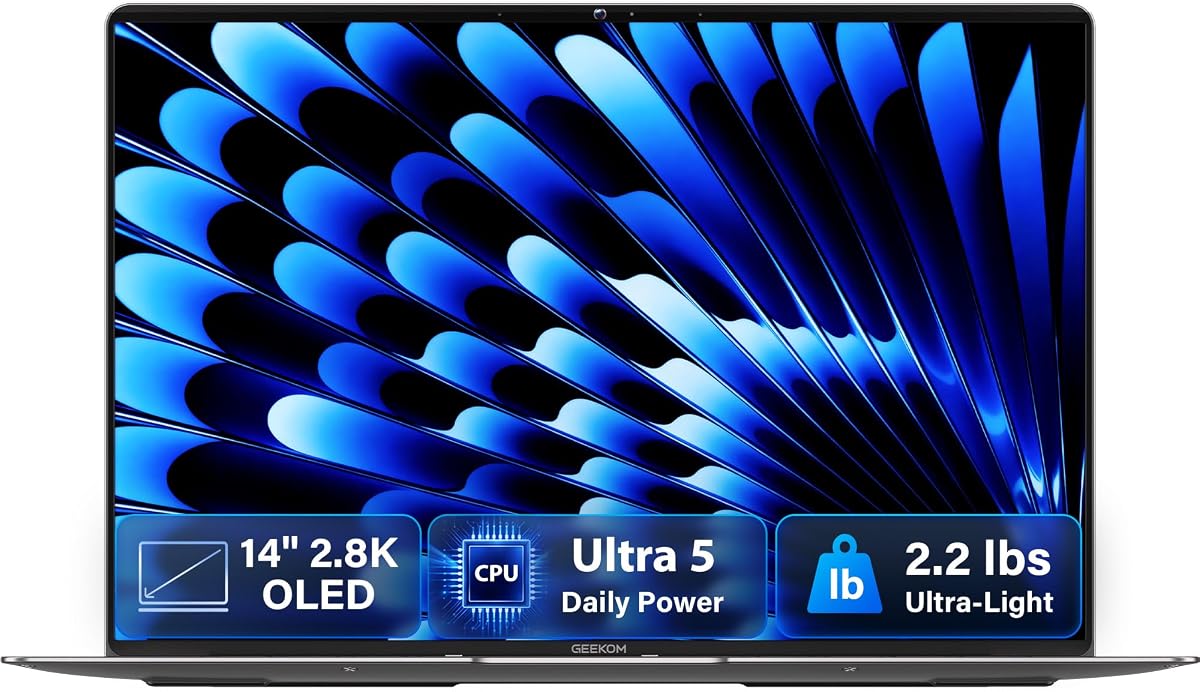
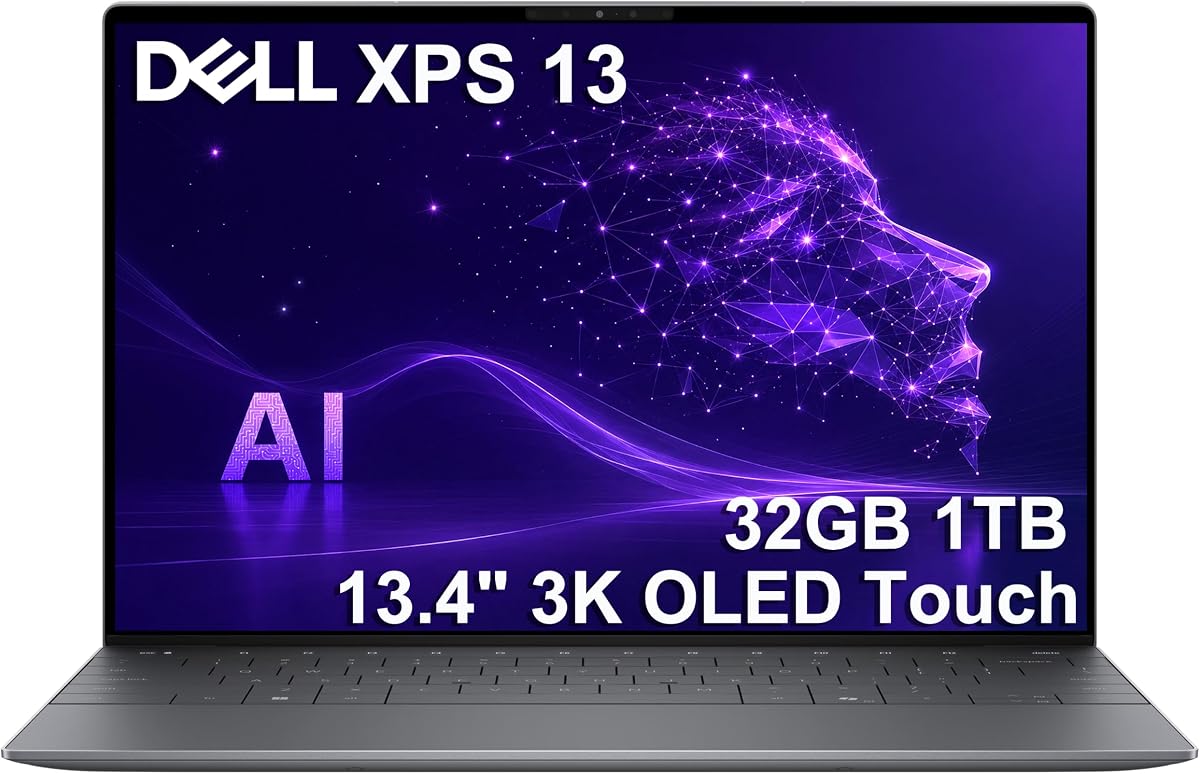
This model stands out as a top choice for professionals seeking powerful performance. It features a vibrant OLED panel that enhances visual tasks significantly. The system handles demanding workloads with ease thanks to its advanced processor.
We may earn a commission when you buy through this link, at no additional cost to you.
The integration of AMD Ryzen AI ensures efficient multitasking and faster processing speeds. Graphics performance is bolstered by the dedicated RTX GPU which aids in rendering. Connectivity options are plentiful allowing for versatile external device connections.
While the device offers impressive capabilities it comes with a premium price tag. The weight may be a consideration for those prioritizing extreme portability. These factors are outweighed by the overall productivity gains.
Ideal for creators and business users needing reliability and visual fidelity. This laptop delivers a balanced mix of power and display excellence.
The high resolution OLED screen provides accurate colors essential for design work.
Integrated AI features streamline tasks and improve overall system efficiency.
We may earn a commission when you buy through this link, at no additional cost to you.
Affordability meets premium display technology in this sleek laptop. The 3.2K OLED panel offers sharp visuals that are rare at this price point. It is designed for students and professionals needing reliable daily performance.
We may earn a commission when you buy through this link, at no additional cost to you.
The Intel Core Ultra processor supports AI enhanced tasks effectively. Connectivity is robust with Thunderbolt 4 ports facilitating fast data transfer. Eye comfort certifications ensure prolonged usage remains comfortable for the user.
The 8GB RAM may limit heavy multitasking scenarios for some users. Battery life is decent but not class leading compared to ultra portable alternatives. These limitations are reasonable given the cost effective positioning.
Best for users seeking a large vibrant screen without breaking the budget. It offers excellent value for general productivity and media consumption.
The high pixel count ensures text and images appear crisp and clear.
Thunderbolt 4 ports allow for versatile docking and high speed transfers.
We may earn a commission when you buy through this link, at no additional cost to you.
This device emphasizes efficiency and multitasking capability. The 32GB RAM ensures smooth operation even with many applications open simultaneously. The OLED display provides a rich viewing experience for content consumption.
We may earn a commission when you buy through this link, at no additional cost to you.
The Ryzen AI processor delivers impressive computational power for AI tasks. It is notably thin and light making it easy to transport daily. Fast charging features keep the device ready for extended work sessions.
The screen resolution is lower than some competitors which might affect detailed work. Integrated graphics are not ideal for heavy 3D rendering or gaming. These are acceptable trade-offs for general business use.
A solid choice for professionals prioritizing memory and portability. It balances performance with a refined minimalist design well.
High RAM capacity allows for seamless switching between complex applications.
The slim chassis makes travel effortless without sacrificing screen size.
We may earn a commission when you buy through this link, at no additional cost to you.
Designed for all-day use this laptop prioritizes efficiency. The Snapdragon processor delivers long battery runtimes ideal for travelers. The OLED screen offers vibrant visuals in a compact 14-inch form factor.
We may earn a commission when you buy through this link, at no additional cost to you.
AI features assist with productivity tasks like transcription and summarization. Fast charge capabilities ensure quick turnaround between meetings or flights. Security features include IR camera support for quick access.
The storage capacity is small which may require cloud reliance. Performance is optimized for efficiency rather than raw power. These constraints fit the target mobile professional demographic well.
Great for those needing a reliable machine for basic computing tasks. It excels in battery management and connectivity options.
Up to 41 hours of usage ensures uninterrupted work on the go.
Copilot+ features streamline daily workflows effectively.
We may earn a commission when you buy through this link, at no additional cost to you.
This model brings high-end processing power to a portable chassis. The Core Ultra 9 processor supports demanding professional workflows efficiently. It combines premium materials with a refined design aesthetic.
We may earn a commission when you buy through this link, at no additional cost to you.
The 32GB RAM and 1TB SSD provide ample space for projects. Arc graphics offer improved performance over integrated solutions for creative tasks. Security measures ensure data protection during external use.
The price reflects the premium specs but may be steep for some. The screen resolution is standard for the segment but lacks higher pixel density. These factors are acceptable for power users.
Suitable for professionals needing significant computing power on the move. It delivers robust performance within a thin form factor.
The Core Ultra 9 ensures rapid task execution and multitasking.
Large SSD allows for local storage of extensive files.
We may earn a commission when you buy through this link, at no additional cost to you.
Interactive computing is enhanced by the touch interface on this OLED panel. The device balances performance with modern connectivity standards well. It targets professionals who need direct screen interaction.
We may earn a commission when you buy through this link, at no additional cost to you.
The Snapdragon X Plus ensures efficient performance for daily tasks. Wireless connectivity is top-tier with Wi-Fi 6E support. Security features are integrated for safe login experiences.
Battery life is good but depends on usage intensity. Graphics are capable of basic tasks but not heavy gaming. These are reasonable for a productivity focused laptop.
An excellent choice for users who value touch inputs. It provides a versatile experience for presentations and media.
The OLED touchscreen adds versatility to navigation and design.
Wi-Fi 6E ensures fast and stable network connections.
We may earn a commission when you buy through this link, at no additional cost to you.
Portability is the main feature here without compromising on power. The aluminum chassis is thin yet durable for travel. The OLED panel offers high brightness for various environments.
We may earn a commission when you buy through this link, at no additional cost to you.
The 32GB RAM ensures smooth operation for heavy users. Battery life is optimized for all day usage without charging. Audio features are enhanced for calls and media playback.
The screen is smaller which might limit detailed work. The cost is higher than typical consumer laptops. These are minor drawbacks for those prioritizing mobility.
Ideal for executives and travelers who need a compact powerhouse. It offers a premium experience in a light body.
The durable aluminum shell protects against travel wear and tear.
High peak brightness ensures visibility even in bright rooms.
We may earn a commission when you buy through this link, at no additional cost to you.
This laptop redefines portability with its featherlight design. The magnesium alloy body feels sturdy yet is easy to carry. The display is bright and colorful for media and work.
We may earn a commission when you buy through this link, at no additional cost to you.
Connectivity includes USB4 ports for versatile external connections. Battery performance is solid for a device this size. Thermal management keeps the device quiet during use.
Port selection is limited which may require dongles. The keyboard feedback is decent but not the best in class. These are manageable for a travel focused unit.
Perfect for digital nomads needing a light machine. It offers high-end specs in a compact package.
The magnesium alloy ensures strength without adding weight.
High nits output ensures clear viewing in sunny areas.
We may earn a commission when you buy through this link, at no additional cost to you.
Gaming performance meets OLED visuals in this powerful machine. The high refresh rate screen delivers fluid motion for interactive tasks. The dedicated GPU ensures smooth graphics for games and renders.
We may earn a commission when you buy through this link, at no additional cost to you.
The Ryzen 7 processor supports heavy computing tasks well. Connectivity is future-proof with Wi-Fi 7 standards. The build quality is rugged for a gaming focused device.
The weight makes it less portable than ultrabooks. The price is substantial reflecting the high-end components. These are expected for a top-tier gaming laptop.
Ideal for gamers and creators needing high visual performance. It offers a compelling mix of speed and screen quality.
The RTX 5060 handles modern titles with high fidelity.
165Hz refresh ensures smooth gameplay and animation.
We may earn a commission when you buy through this link, at no additional cost to you.
This model targets business users requiring long battery life. The Snapdragon X Elite provides efficient performance for daily tasks. The OLED display is vibrant and sharp for visual work.
We may earn a commission when you buy through this link, at no additional cost to you.
Connectivity includes USB4 for flexible external setups. AI capabilities assist with administrative and creative workflows. Security features are robust for corporate environments.
Port selection is minimal which may require adapters. The price reflects the premium materials and build. These are minor issues for the intended user base.
Suitable for professionals prioritizing battery and portability. It offers a sleek and powerful business solution.
Industry-leading battery endurance supports full workdays without plugs.
Advanced security protocols protect sensitive corporate data.
We may earn a commission when you buy through this link, at no additional cost to you.
Selecting the right OLED laptop requires considering several key factors. This guide outlines the essential aspects to ensure you find a device that meets your specific needs.
OLED panels vary in resolution and color accuracy. Look for models with high pixel density and wide color gamut coverage for accurate work. Check the brightness level to ensure usability in bright environments.
Prioritize high resolution and accurate color reproduction for visual tasks.
The CPU determines how fast your system runs tasks. Modern AI processors offer enhanced efficiency and speed. Match the processor to your workload whether it is basic browsing or heavy rendering.
Choose a processor that aligns with your daily computing requirements.
RAM affects multitasking capability while storage impacts file capacity. At least 16GB of RAM is recommended for modern applications. Solid state drives ensure fast boot times and application launches.
Opt for sufficient RAM and SSD space to prevent bottlenecks.
Mobile users need long battery life to stay productive. Check the battery capacity and expected usage hours. Efficient processors help maximize the time between charges.
Look for high capacity batteries if you travel frequently.
Durability is key for laptops that are moved often. Aluminum or magnesium chassis offer strength without excess weight. Consider the dimensions and weight if you carry it daily.
Select a build that balances durability with your travel needs.
Ports determine what peripherals you can connect directly. USB-C and HDMI are essential for external monitors. Wi-Fi 7 ensures fast and reliable internet connections.
Ensure the port selection matches your accessory requirements.
Security is vital for protecting sensitive data. Look for fingerprint readers and IR cameras for secure login. Privacy shutters add an extra layer of protection for webcams.
Prioritize devices with robust authentication and privacy options.
A good warranty covers unexpected hardware issues. Check the duration and what is included in the service plan. Manufacturer support availability can be crucial for business users.
Verify warranty terms to ensure long-term peace of mind.
Keep the screen clean by using a microfiber cloth regularly. Avoid using harsh chemicals that could damage the display coating. Proper cleaning maintains visual clarity and prevents scratches over time.
Adjust brightness settings to reduce eye strain during long sessions. Using dark modes can help minimize potential burn-in risks. Proper settings ensure comfort and longevity for the display.
Update drivers and software regularly to maintain performance. Keeping the operating system current ensures security and stability. Regular maintenance extends the usable life of the device.
Modern OLED displays include measures to prevent burn-in such as pixel shifting and screen savers. While rare with careful use it is a possibility over very long periods. Most manufacturers offer warranties that cover this issue for peace of mind.
OLED screens offer true blacks and higher contrast ratios since pixels emit their own light. This results in more vibrant colors and better visibility in dark environments. They also tend to have faster response times for smoother motion.
Battery life varies by model and usage but efficient processors help. Many modern devices offer all-day battery life even with OLED screens. Power management features ensure the display does not drain the battery too quickly.
High refresh rates provide smoother scrolling and motion which is beneficial for gaming and media. For general productivity a standard rate is sufficient. Consider it if you value fluid visual feedback.
Major brands like Lenovo Asus HP and Dell have strong reputations for quality. It is important to check specific model reviews for reliability. Established manufacturers typically offer better support and warranty options.
Yes the color accuracy and resolution are excellent for design and editing. Look for models with high color gamut coverage. Many professionals rely on these displays for critical visual tasks.
Use a laptop sleeve to prevent scratches during transport. Avoid placing heavy objects on top of the closed screen. Gentle handling ensures the physical integrity of the display and chassis.
We have reviewed ten outstanding options that cater to different user needs. Each model brings unique strengths whether it is power portability or budget value. The Lenovo IdeaPad Pro 5 remains a top overall choice for its balance.
Prioritize factors like display resolution and battery life based on your workflow. Gaming users might prefer the Legion 5a while business travelers may lean towards the Dell XPS 13. Align your choice with your primary daily tasks.
Prices for technology change frequently so check current listings before buying. Use our comparison table to find the best value for your situation. Investing in the right OLED laptop ensures a superior visual experience.