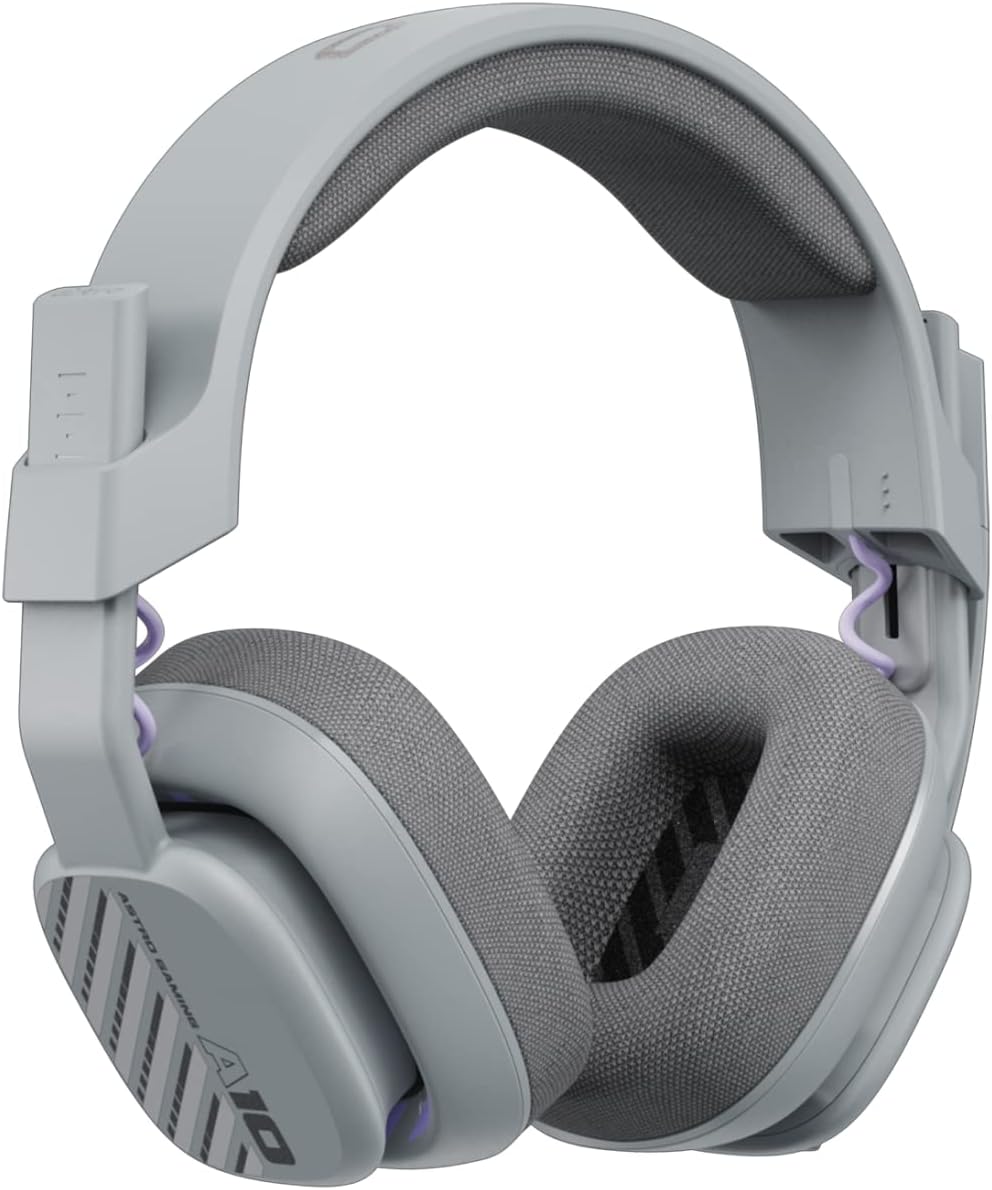
Logitech G Astro A10 Gen 2
3.8Editor score
Flip-to-mute Mic
Cross-Platform Compatible
Replaceable Ear Cushions
This guide compares the top 10 headsets for Dota 2 based on sound quality, microphone clarity, comfort, and connectivity to help you find the perfect gaming
Finding the right headset for Dota 2 is crucial for competitive play. You need clear audio cues to hear enemy movements and a reliable microphone for team communication during intense matches.
We compared ten leading models based on sound quality, microphone performance, comfort for long sessions, and compatibility. Our analysis focuses on features that matter most to MOBA players and esports enthusiasts.
Each pick highlights specific strengths like surround sound, wireless freedom, or budget value. Prices and availability change frequently, so check the latest offers before making your final purchase decision today.
3.8Editor score
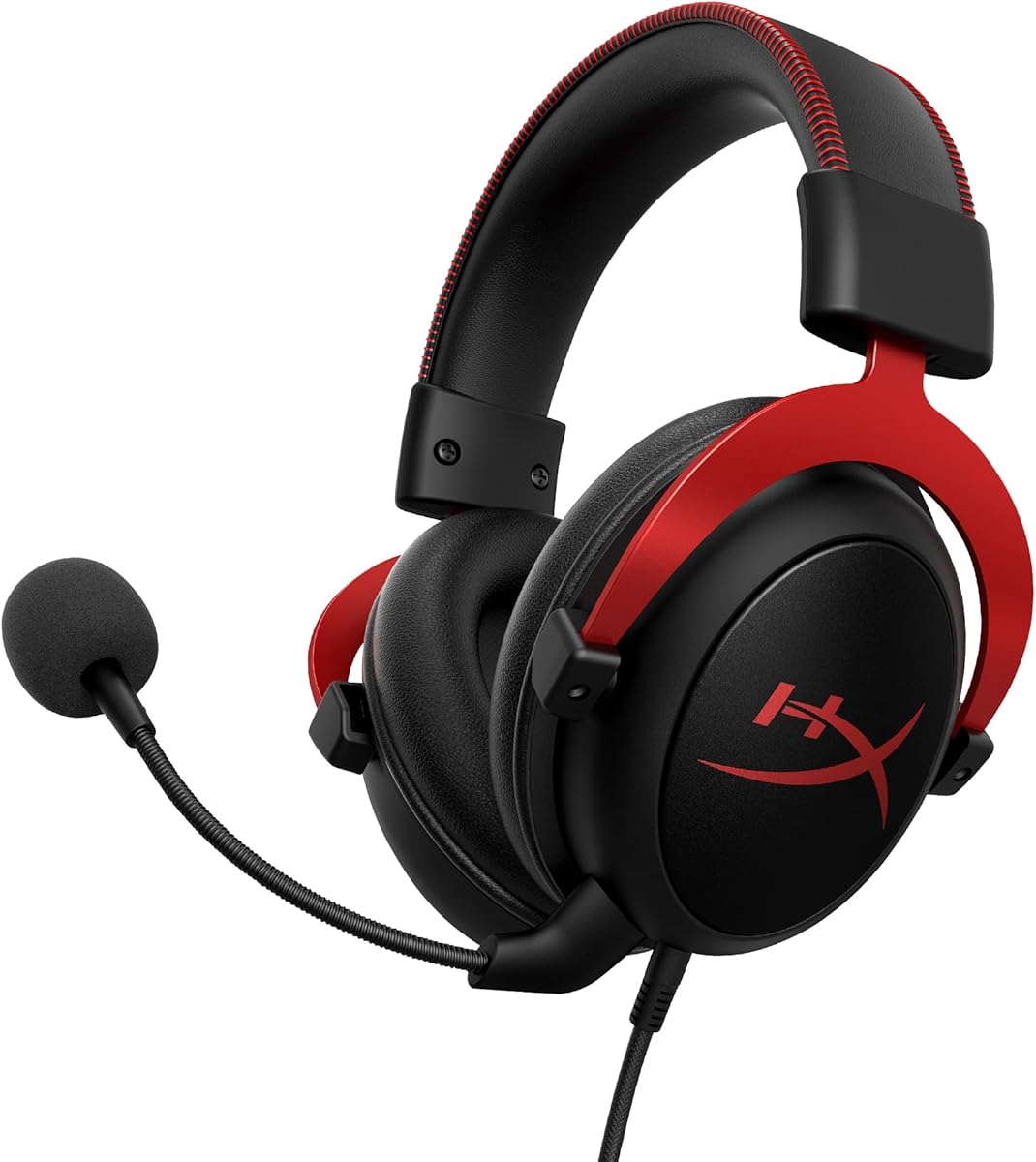
4.5Editor score

4.4Editor score
This side-by-side comparison evaluates all ten models across key performance metrics. Use this table to quickly identify which headset aligns with your specific gaming needs and budget constraints.


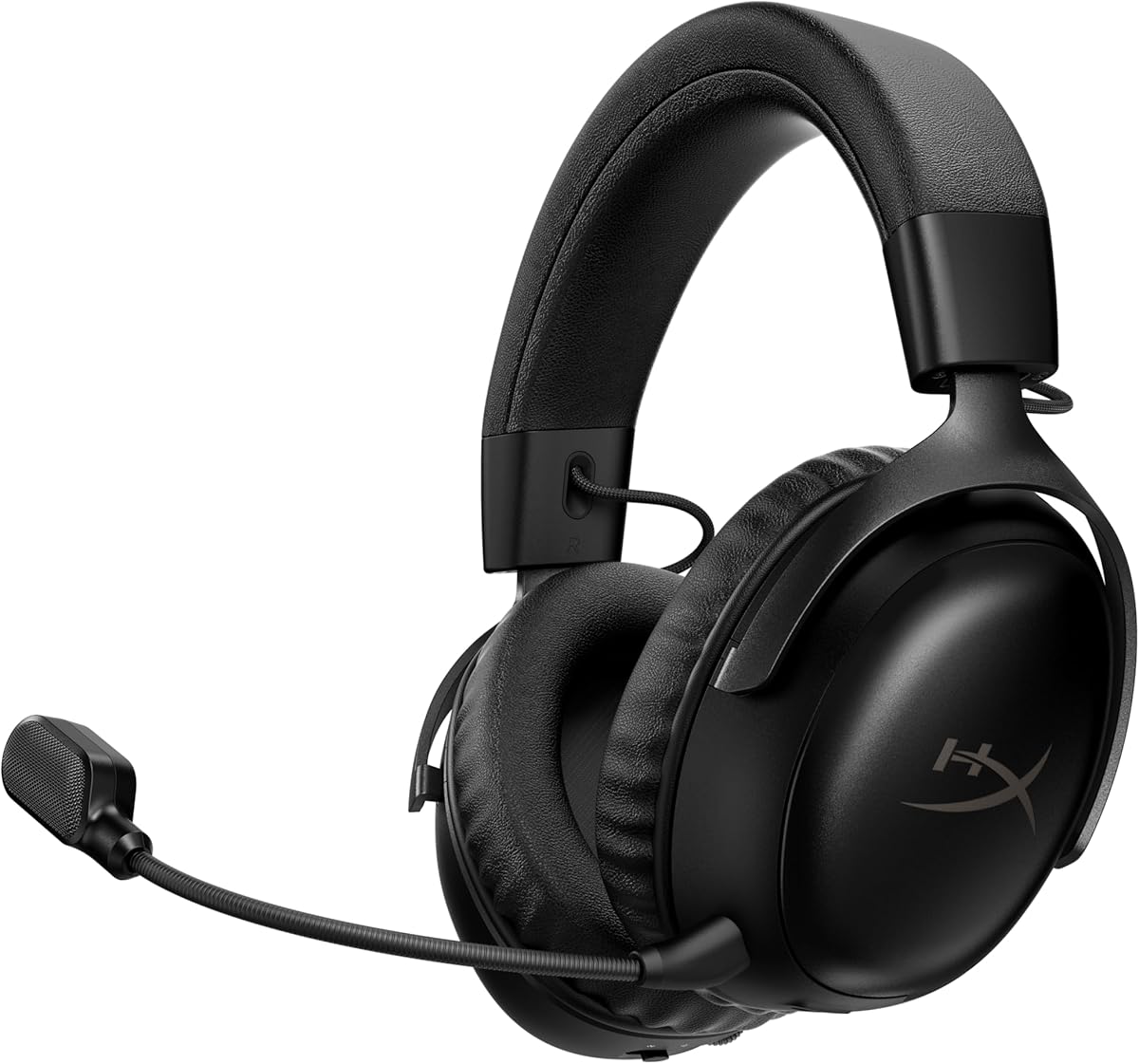


The HyperX Cloud II remains a top choice for Dota 2 players seeking reliable audio performance. Its 4.5 rating reflects consistent user satisfaction across thousands of reviews.
We may earn a commission when you buy through this link, at no additional cost to you.
Large 53mm drivers provide high-quality audio that helps you hear in-game details better. The hardware-driven virtual 7.1 surround sound allows for precisely located audio, crucial for tracking enemy movements.
While the closed ear cup design blocks out distractions, it can get warm during marathon sessions. The aluminum frame ensures durability but adds some weight compared to lighter options.
This headset is ideal for players who prioritize comfort and audio clarity over wireless freedom. Its proven track record makes it a safe investment for serious competitive gamers.
The 7.1 virtual surround sound creates a realistic soundscape helping you pinpoint enemy footsteps and spell effects accurately.
Memory foam ear cushions and a padded leatherette headband distribute pressure evenly, reducing fatigue during extended ranked matches.
We may earn a commission when you buy through this link, at no additional cost to you.
The SteelSeries Arctis Nova 5 offers wireless freedom with features designed for modern gaming setups. Its 4.2 rating indicates strong performance in audio and connectivity.
We may earn a commission when you buy through this link, at no additional cost to you.
With a 60-hour battery, you can play all week on a single charge. The quick-switch button toggles between 2.4GHz gaming and Bluetooth 5.3 seamlessly for calls or media.
The neodymium magnetic drivers deliver detailed soundscapes with clear highs and deep bass. However, unlocking the 100+ game audio presets requires using the companion app which adds a step.
This headset suits players who want wireless convenience without sacrificing audio quality. The fast charge feature ensures you are never left without power during critical moments.
Go 8 hours a day all week on a single charge, with 6 hours of use available from just 15 minutes of fast charging.
Toggle between gaming and Bluetooth with a tap, while notification beeps keep you posted on incoming calls while you play.
We may earn a commission when you buy through this link, at no additional cost to you.
The Logitech G Astro A10 Gen 2 provides a cost-effective solution for players on a budget. With a 3.8 rating, it offers basic functionality without frills.
We may earn a commission when you buy through this link, at no additional cost to you.
Custom-tuned 32mm dynamic drivers ensure you hear your game and teammates with clarity. The flip-to-mute mic offers privacy when needed, while in-line volume control allows adjustments without pausing.
Build quality is solid with an ultra-durable headband, but the is less advanced than premium models. The replaceable cushions extend lifespan but the sound profile is generic.
Ideal for casual gamers or those entering competitive play without overspending. Its versatility across PS5, Xbox, and PC makes it a flexible choice for multi-console households.
An ultra durable headband and sturdy construction offers reliable performance that transcends the standard gaming headset price point.
The integrated boom microphone can be flipped up to mute for privacy and down for crystal-clear comms during team fights.
We may earn a commission when you buy through this link, at no additional cost to you.
The Logitech G PRO X 2 Lightspeed is designed with pro gamers in mind to help them win. It carries a 4.2 rating reflecting its high-end performance capabilities.
We may earn a commission when you buy through this link, at no additional cost to you.
50mm Graphene drivers provide clear and immersive audio with low distortion. Capturing the entire soundscape helps you notice audio cues like footsteps and actions that give you an edge.
The detachable cardioid microphone with Blue VO!CE technology ensures clear communication. However, the price is significant, and console wireless features may require specific dongles or settings.
This is a top choice for serious players who need professional-grade audio and connectivity. Its long battery life supports tournament sessions without interruption.
Graphene drivers provide clear and immersive audio with low distortion capturing the entire soundscape of the game.
Blue VO!CE technology allows you to communicate with clarity and confidence for clear in-game comms during intense matches.
We may earn a commission when you buy through this link, at no additional cost to you.
The Logitech G Astro A50 connects to multiple platforms at once via USB-C. It holds a 4.2 rating for its versatility and premium build quality.
We may earn a commission when you buy through this link, at no additional cost to you.
PLAYSYNC Audio allows you to tap between Xbox, PS5, PC/Mac or Nintendo Switch using on-ear controls. This eliminates the need to unplug cables when switching devices.
The PRO-G Graphene drivers deliver groundbreaking clarity for precise audio separation. However, the base station takes up desk space, and the price places it in the high-end tier.
Best for players who use multiple consoles or PCs and need seamless switching. The advanced EQ settings let you fine-tune your audio to match your preferences perfectly.
Connect to three platforms at once via USB-C and tap between systems using on-ear controls for ultimate convenience.
Experience maximum articulation with the 48 kHz full-bandwidth boom mic that achieves new levels in voice quality for comms.
We may earn a commission when you buy through this link, at no additional cost to you.
The SteelSeries Arctis Nova 7P Wireless Gen 2 offers improved performance over previous models. With a 4.3 rating, it balances comfort with high-fidelity audio.
We may earn a commission when you buy through this link, at no additional cost to you.
Pinpoint enemies with 200+ game specific audio presets. The improved 50H+ battery life gives over 40% more charge than the previous generation for longer play.
The ClearCast Gen 2 mic reduces background noise by up to -25db. This ensures your voice cuts through clearly even when keyboard clicks are happening nearby.
Recommended for players who want a blend of high-end features and usability. The premium construction ensures longevity while the wireless dongle simplifies cross-platform gaming.
Enjoy over 40% more charge than the previous generation with optimized USB-C fast charging to keep you in the game.
Neodymium magnetic drivers and 360° Spatial Audio support create a deep and detailed soundscape for total immersion.
We may earn a commission when you buy through this link, at no additional cost to you.
The HyperX Cloud III S is a wireless gaming headset designed for multi-platform use. It has a 4.3 rating based on its impressive battery life and audio tuning.
We may earn a commission when you buy through this link, at no additional cost to you.
Push the limits with up to 120 hours of gameplay on 2.4GHz and 200 hours in Bluetooth Mode. The angled 53mm drivers are tuned to accent the dynamic sounds of gaming.
The versatile detachable 10mm boom mic features an LED mute indicator. While the aluminum frame is resilient, the weight may be noticeable for smaller head shapes over time.
Perfect for players who game for long sessions without frequent charging. The lifetime Spatial Audio activation adds significant value for PC users seeking immersive sound.
Get up to 120 hours of gameplay on 2.4GHz and up to 200 hours in Bluetooth Mode for weeks of use on one charge.
53mm drivers have been tuned by HyperX audio engineers to provide an optimized listening experience that accents dynamic sounds.
We may earn a commission when you buy through this link, at no additional cost to you.
The SteelSeries Arctis Nova Pro Omni is officially certified to meet the highest standards for wireless audio. Its 4.4 rating reflects its superior performance quality.
We may earn a commission when you buy through this link, at no additional cost to you.
Gain the biggest cheat code with real-time game audio control. The Omniplay system connects up to five devices allowing you to mix up to four audio sources simultaneously.
Active noise cancellation blocks out up to 40% more background noise. The high-bandwidth omnidirectional microphone shields up to 96% of background noise for clear communication.
Ideal for high-end setups where audio fidelity and multi-device switching are priorities. The premium build quality justifies the cost for enthusiasts seeking the absolute best.
Officially certified to meet the highest standards for wireless audio with less compression and more detail over low latency.
Connect up to five devices and switch between them seamlessly with support for PC, PlayStation, Xbox, Switch and more.
We may earn a commission when you buy through this link, at no additional cost to you.
The ASUS ROG Delta II offers versatile tri-mode connectivity for extensive compatibility. It holds a 4.3 rating for its high-fidelity audio performance.
We may earn a commission when you buy through this link, at no additional cost to you.
DualFlow Audio lets you connect to two devices simultaneously. The 50mm titanium-plated drivers deliver high-resolution 24-bit/96 kHz audio creating natural realistic audio for gaming.
Weighing only 318g it is designed for comfortable extended gaming sessions. The quick charge delivers 11 hours of gameplay from just 15 minutes of charging.
Suitable for players who value mobility and high-quality audio. Its compatibility with ROG Ally devices makes it a top choice for handheld gamers.
Simultaneously connect to two devices via 2.4GHz and Bluetooth to switch between PC, console and mobile audio easily.
Weighing only 318g and crafted with premium materials it is designed for comfortable extended gaming sessions without fatigue.
We may earn a commission when you buy through this link, at no additional cost to you.
The HyperX Cloud Stinger 2 is a gaming headset focused on comfort and audio immersion. Its 4.2 rating shows strong satisfaction for entry-level wireless users.
We may earn a commission when you buy through this link, at no additional cost to you.
Immersive DTS Headphone:X Spatial Audio enhances your game sound experience. The adjustable rotating earcups and lightweight design help maintain comfort during long gameplay.
The swivel-to-mute function offers quick muting. While the sound is superior for the price, the microphone lacks the clarity of higher-end models.
Great for players starting out who want wireless freedom. It provides a solid entry point into gaming audio without requiring a large investment.
Immersive DTS Headphone:X Spatial Audio brings your game sound to life with enhanced positioning and depth.
Adjustable rotating earcups and a lightweight over-ear design ensure comfort for hours of uninterrupted play.
We may earn a commission when you buy through this link, at no additional cost to you.
Selecting the right headset for Dota 2 involves balancing sound quality microphone performance and comfort. This guide breaks down the key factors to consider for your specific needs.
Driver size impacts audio output and soundstage. For Dota 2 larger drivers like 50mm or 53mm help deliver precise audio cues which are vital for tracking enemy positioning during team fights.
Look for headphones with large drivers for better immersion and accurate sound reproduction during competitive matches.
A good microphone ensures your callouts are heard clearly by teammates. Detachable boom mics with noise cancellation are standard and help reduce keyboard clicking and background distractions.
Prioritize models with noise cancelling features and clear voice clarity for effective in-game communication.
Wireless headsets provide freedom of movement but wired ones offer zero latency. Choose wireless for convenience or wired for absolute audio sync depending on your setup and playstyle.
Decide between wireless freedom and wired reliability based on your preference for latency and mobility.
Dota 2 matches can last an hour or more so comfortable ear cushions are essential. Memory foam and breathable materials help prevent fatigue during long ranked sessions.
Select headphones with memory foam or breathable materials to ensure comfort during extended gaming sessions.
Wireless models need reliable battery life to avoid interruptions. Aim for at least 20 hours of playback to ensure the headset lasts through multiple matches without needing a recharge.
Aim for at least 20 hours of battery life to avoid interruptions during multiple ranked matches.
Virtual surround sound helps with spatial awareness. Features like DTS Headphone:X or 7.1 surround allow you to detect footsteps and ability casts more effectively.
Virtual surround sound features enhance spatial awareness and help you pinpoint enemy movements accurately.
Ensure the headset works with your PC console or mobile setup. Cross-platform support gives flexibility if you play on multiple devices and need consistent audio quality.
Check platform compatibility to ensure the headset works with your PC console or mobile setup consistently.
Durability ensures longevity. Metal frames and durable cables withstand daily use and travel which is important if you take your gear to LAN parties or practice sessions.
Metal frames and durable cables withstand daily use and travel ensuring longevity for your investment.
To optimize audio performance connect your headset via USB or the 3.5mm jack. Ensure all audio drivers are updated for your PC to enable full surround sound features.
For wireless models pair the dongle via USB port and charge the battery before first use. Adjust the headband and earcups for a snug fit without pressure points.
Maintain your headset by wiping down the ear pads regularly. Store it in a dry place and avoid twisting cables to extend its lifespan.
Most modern wireless headsets use 2.4GHz dongles which provide near zero latency comparable to wired connections. Ensure you use the dedicated USB receiver rather than Bluetooth for competitive play.
Surround sound is not strictly necessary but it helps with spatial awareness. It allows you to detect enemy footsteps and spell effects more precisely which is helpful in competitive scenarios.
Models with memory foam cushions and lightweight designs are best for long sessions. The HyperX Cloud II and Logitech G Astro A50 are highly rated for comfort over extended periods.
Dota 2 is primarily a PC game so console compatibility is less relevant. However most models support PS5 or Xbox for other games and cross-platform utility.
Use a soft damp cloth to wipe leather or foam pads. Remove ear pads if possible and let them air dry completely before reattaching to prevent mold or damage.
Expensive headsets offer better build quality and features like Hi-Res audio. If you play competitively the investment often pays off in improved communication and sound clarity.
Look for a noise-cancelling boom mic with mute capabilities. Clear voice output ensures your teammates hear your callouts without background interference during matches.
Basic audio works without software but features like surround sound and equalizers often require apps. Ensure you have a PC with the necessary software installed for full functionality.
The top picks offer strong performance ranging from budget friendly options to premium Hi-Res choices. Select based on your priority between wireless freedom sound quality and budget.
Prioritize comfort and microphone clarity for team coordination. A good headset can give you a significant advantage in hearing enemy movements and communicating effectively.
Check current prices and availability before purchasing. Deals may vary and models may change so verifying the latest specs ensures you get the best value for your purchase.