
HP ZBook Firefly 14 G11
5.0Editor score
Ultra lightweight design
MIL-STD 810H
Fast charge battery
Finding the right laptop for electrical engineering requires balancing raw processing power with portability and battery life. Engineers need machines that handle complex simulations, circuit design software, and multitasking without lagging during critical deadlines.
This guide compares ten carefully selected laptops ranging from powerful mobile workstations to portable everyday machines. We evaluated processors, graphics capabilities, screen quality, and connectivity options to ensure each pick meets rigorous academic and professional standards.
Each recommendation highlights specific strengths such as thermal management, ISV certifications, or display accuracy. Prices fluctuate frequently so verify current deals before purchasing to ensure you secure the best value for your specific engineering requirements and budget.
5.0Editor score

4.4Editor score

5.0Editor score
As an Amazon Associate we earn from qualifying purchases.
This side-by-side comparison highlights key specifications across all ten models to help you quickly identify the right fit for your engineering coursework or professional projects.




The Dell Precision 7680 stands as a flagship workstation designed to handle the most demanding engineering workflows. With a 4.4 rating from verified users it delivers reliable performance for complex tasks like circuit simulation and 3D rendering.
We may earn a commission when you buy through this link, at no additional cost to you.
Powered by an Intel Core i9-13950HX processor and 32GB of DDR5 RAM this laptop ensures seamless multitasking across resource-heavy applications. The ISV certifications guarantee compatibility with professional tools such as AutoCAD and MATLAB which are essential for electrical engineering students.
While it excels in performance the machine does consume significant power and carries a higher price tag than consumer laptops. However the reliability and speed it offers justify the investment for professionals requiring a workstation that never slows down.
We recommend this model for senior students or practicing engineers who need maximum computing power for simulations. Its ability to handle complex projects efficiently makes it an invaluable tool for high-stakes engineering work environments.
The high core count processor handles parallel computations found in modern engineering software with ease.
MIL-STD-810H testing ensures the laptop withstands the rigors of daily campus or field use.
We may earn a commission when you buy through this link, at no additional cost to you.
This Dell Precision model balances performance and value by pairing a strong GPU with a capable processor. It holds a 4.3 rating making it a solid choice for engineers who need graphical power for rendering without breaking the bank.
We may earn a commission when you buy through this link, at no additional cost to you.
The NVIDIA RTX 1000 Ada GPU accelerates visualization tasks and simulation software that rely on parallel processing. Coupled with 32GB of DDR5 RAM the system remains responsive even when running multiple engineering applications simultaneously.
While the i5 processor is slightly less powerful than the i9 option it still handles most standard engineering coursework efficiently. Users should note that the chassis is substantial which may be less ideal for frequent travel.
Choose this laptop if you require a dedicated GPU for visualization tasks but do not need the highest CPU clock speeds. It offers a strong foundation for developing complex electrical systems and 3D models.
The RTX GPU significantly speeds up rendering and simulation compared to integrated graphics solutions.
Multiple ports allow easy connection to lab equipment and external displays simultaneously.
We may earn a commission when you buy through this link, at no additional cost to you.
The Lenovo ThinkPad P16s Gen 4 brings workstation power into a more portable form factor. With a 4.0 rating it appeals to engineers who prioritize mobility without sacrificing memory or storage capacity for their projects.
We may earn a commission when you buy through this link, at no additional cost to you.
Featuring an Intel Core Ultra 7 255H processor this laptop supports seamless multitasking for standard engineering applications. The 32GB DDR5 RAM ensures that you can keep large datasets and development environments open without slowdowns.
One trade-off is the reliance on integrated graphics which may limit performance for heavy 3D rendering tasks. However for circuit design and documentation work the system remains robust and efficient throughout the day.
This model is ideal for students who move between classes and labs frequently. Its durable design and connectivity options ensure you stay productive wherever your coursework or project takes you.
Wi-Fi 7 ensures high-speed data transfers and stable connections in crowded academic environments.
The classic ThinkPad keyboard offers precise typing comfort for long documentation sessions.
We may earn a commission when you buy through this link, at no additional cost to you.
This high-spec configuration of the Precision 7680 earns a perfect 5.0 rating for its immense capabilities. It is designed for users who run virtual machines or massive simulations that demand significant RAM and storage.
We may earn a commission when you buy through this link, at no additional cost to you.
With 64GB of DDR5 RAM and a powerful RTX 2000 Ada GPU this machine handles the most complex engineering workloads. The 2TB SSD ensures you have ample space for large project files and software suites without external drives.
The only downsides are the cost and weight which make it less suitable for daily commuting. However for a dedicated desk setup this laptop provides a desktop replacement experience with added mobility when needed.
Recommend this for graduate researchers or professionals managing large datasets and simulations. The performance headroom ensures the system remains fast even as your projects grow in complexity over time.
64GB RAM allows running multiple virtual environments and heavy applications simultaneously without slowdown.
The 2TB NVMe SSD provides lightning fast load times for large engineering files.
We may earn a commission when you buy through this link, at no additional cost to you.
This variant offers a strong balance of CPU and GPU power with a lower price than the 64GB version. However a 3.9 rating suggests some variability in user experience possibly due to power management or thermal throttling.
We may earn a commission when you buy through this link, at no additional cost to you.
The RTX 2000 Ada GPU provides significant acceleration for visualization and rendering tasks. With 32GB of RAM it handles standard multitasking well though it may reach limits with very heavy virtualization workloads.
Users have noted that while the performance is strong the thermal characteristics can vary under sustained load. Proper ventilation is recommended to ensure consistent performance during long simulation runs.
Select this model if you need a powerful workstation but want to save slightly on memory costs. It remains a capable machine for most electrical engineering tasks requiring graphical processing power.
The dedicated graphics card ensures smooth rendering for 3D models and complex visualizations.
Active cooling systems help maintain performance though airflow is critical for optimal results.
We may earn a commission when you buy through this link, at no additional cost to you.
The HP ZBook Firefly 14 G11 achieves a 5.0 rating by delivering workstation features in a lightweight design. It weighs only 3.13 pounds making it perfect for students commuting between labs and classes daily.
We may earn a commission when you buy through this link, at no additional cost to you.
Powered by an Intel Core Ultra 7 processor it supports efficient multitasking and battery life. The ISV certifications ensure that critical engineering software runs smoothly despite the smaller chassis and integrated graphics.
Trade-offs include less graphical power for heavy 3D rendering and a smaller screen for complex schematics. However the portability and battery life make it a top choice for on-the-go productivity.
We recommend this laptop for students who value mobility and battery life over raw graphical performance. It handles standard engineering workloads efficiently while staying light in a backpack.
The lightweight chassis makes it easy to carry to class and meetings without fatigue.
Long-lasting battery ensures you can work all day without needing a power outlet.
We may earn a commission when you buy through this link, at no additional cost to you.
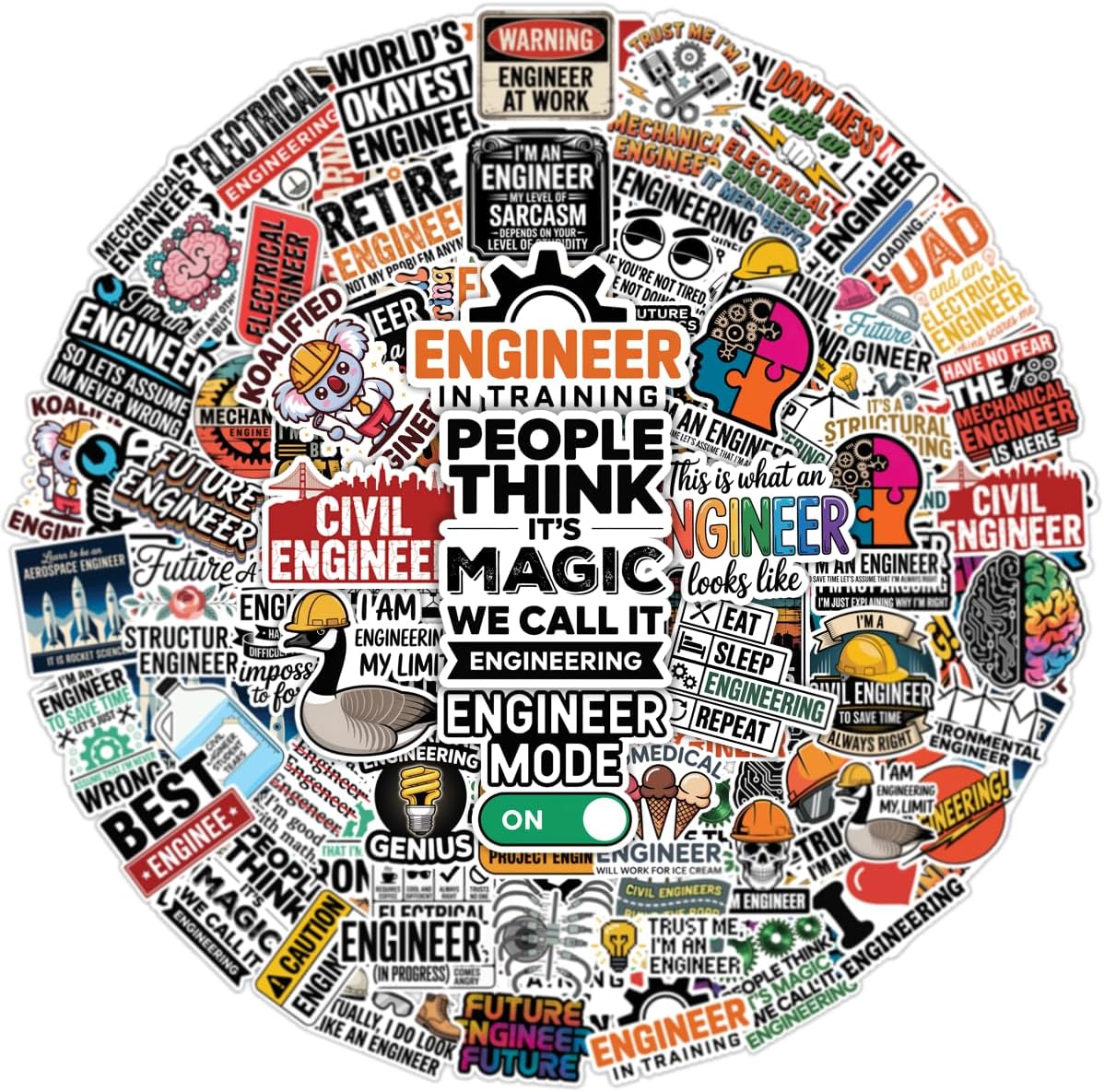
These stickers provide a fun way to personalize your workspace and gear with engineering themes. With a 5.0 rating they are appreciated by students and professionals for adding personality to laptops and water bottles.
We may earn a commission when you buy through this link, at no additional cost to you.
Made from durable vinyl these stickers resist water and UV light so they stay vibrant over time. The set includes various engineering disciplines making it easy to find designs that match your specific field.
While not a computing tool they enhance the work environment by showing pride in your profession. Users find them easy to apply and remove without leaving residue on smooth surfaces.
We recommend this item for students wanting to decorate their laptops or tools. It adds a personal touch to your engineering gear while celebrating your academic and professional achievements.
The large collection includes mechanical electrical and civil engineering themes for broad appeal.
UV and water resistant coatings ensure the graphics remain clear even with outdoor use.
We may earn a commission when you buy through this link, at no additional cost to you.
The Dell Precision 7780 offers a large 17.3 inch display perfect for detailed circuit diagrams and coding. It carries a 5.0 rating for its powerful combination of screen real estate and top-tier processing capabilities.
We may earn a commission when you buy through this link, at no additional cost to you.
Equipped with an i9-13950HX processor and RTX 2000 Ada GPU it handles intensive engineering tasks effortlessly. The screen brightness and color gamut ensure accurate visuals for design and simulation work.
Due to its size and weight it is best suited as a desktop replacement rather than a daily carry device. Users requiring maximum screen space for complex layouts will appreciate this form factor.
We recommend this laptop for professionals who work primarily at a desk but need occasional mobility. The large screen enhances productivity for tasks requiring detailed visual inspection of projects.
The 17.3 inch screen allows viewing multiple windows simultaneously without external monitors.
Top tier processor speeds ensure fast compilation times for complex code and simulations.
We may earn a commission when you buy through this link, at no additional cost to you.
This sticker set focuses specifically on electrical engineering themes with humor and clarity. A 5.0 rating reflects its popularity among students and professors who appreciate clever technical designs.
We may earn a commission when you buy through this link, at no additional cost to you.
The waterproof vinyl material ensures durability for various surfaces from laptops to helmets and toolboxes. Users find the designs witty and suitable for personalizing work gear or lab equipment.
While small in number the stickers are high quality and easy to apply without bubbles. They serve well as gifts or personal touches for those working in electrical trades.
We recommend this set for electrical engineering enthusiasts wanting a targeted way to show their interest. The designs resonate well with students and professionals in the field.
The specific focus on electrical units makes it a great fit for electrical students.
These make thoughtful small gifts for peers and professors in the electrical field.
We may earn a commission when you buy through this link, at no additional cost to you.
The HP OmniBook 3 offers a large screen at an entry-level price point suitable for basic coursework. With a 4.5 rating it provides decent performance for students on a tight budget needing standard computing.
We may earn a commission when you buy through this link, at no additional cost to you.
The 8GB of RAM is sufficient for document writing and basic math tasks but may struggle with heavy engineering software. The large 17.3 inch display helps reduce eye strain during long study sessions.
For complex simulations or 3D modeling this machine lacks the power and memory required for efficient work. It is best used for general computing tasks rather than intensive engineering applications.
We recommend this laptop for first-year students or those needing a secondary device for notes. Its affordability and screen size make it a practical option for essential academic work.
The low cost makes this accessible for students with limited financial resources.
The wide display provides comfortable viewing for documents and web browsing.
We may earn a commission when you buy through this link, at no additional cost to you.
Selecting a laptop for electrical engineering involves balancing performance with portability and budget constraints.
Electrical engineering software often requires multi-core processing for simulations and computations. Look for processors with at least six cores to handle complex tasks efficiently.
Prioritize high-performance CPUs like Intel Core i7 or AMD Ryzen 7 for smooth operation during critical projects.
Running multiple engineering applications simultaneously requires substantial RAM to prevent system lag. Aim for at least 16GB of RAM to ensure smooth multitasking and data processing.
32GB of RAM is recommended for handling large datasets and virtual machines effectively.
While many electrical tasks rely on CPU power 3D modeling and visualization benefit from dedicated graphics. Integrated graphics may suffice for basic tasks but dedicated GPUs offer better performance.
Choose models with NVIDIA RTX or AMD Radeon GPUs for improved rendering and simulation capabilities.
Clear display quality is crucial for reading schematics and writing code for extended periods. Look for Full HD resolution with anti-glare coatings to reduce eye strain during long sessions.
IPS panels provide better color accuracy and viewing angles which are beneficial for detailed design work.
Students often move between classrooms and labs so a portable laptop is highly valuable. Weighing under four pounds ensures comfort when carrying the device in a backpack daily.
Balance screen size with portability to find a model that suits your specific travel needs.
Unplugged work is common on campus so long battery life is essential for maintaining productivity. Aim for laptops that offer at least eight hours of real world usage under normal load.
Fast charging capabilities also help you top up quickly between classes or lab sessions.
Engineering work often requires connecting to lab equipment or external displays. Ensure the laptop has sufficient USB ports and HDMI connections for versatile setup options.
Thunderbolt 4 support provides high speed data transfer and the ability to dock multiple peripherals efficiently.
Laptops used in academic or industrial settings must withstand daily wear and tear. Look for devices with MIL-STD testing to ensure reliability in various environments.
A durable chassis helps protect the laptop from accidental drops and impacts during transport.
Keep your laptop clean by regularly dusting ports and vents to maintain thermal performance. Use compressed air to remove debris that could block airflow and cause overheating.
Invest in a high-quality sleeve or case to protect your device during transit. This prevents scratches and minor impacts that could damage the screen or chassis.
Avoid placing your laptop on soft surfaces like beds or couches which restrict ventilation. Always use the device on a hard flat surface to ensure proper cooling during intensive tasks.
For basic electrical engineering coursework integrated graphics often suffice. However if you plan to run simulations involving 3D models or heavy rendering a dedicated GPU is highly recommended to prevent performance bottlenecks.
Minimum requirements typically start at 16GB for smooth operation. For complex projects involving large datasets or multiple virtual machines upgrading to 32GB provides better headroom and multitasking capability.
A 15 to 16 inch screen offers a good balance between portability and viewing real estate. This size allows you to view schematics clearly while still fitting comfortably in a backpack.
Mac laptops are viable if the software used supports macOS. Always check if your required engineering applications are compatible before purchasing to avoid installation issues.
ISV certifications ensure that specific engineering software runs reliably on the device. While not strictly necessary they provide added confidence that your workflow will remain stable during critical work.
Lowering screen brightness and disabling unnecessary background processes helps conserve power. Using power saver modes and ensuring you have a charger handy are effective strategies for long days on campus.
The Dell Precision 7680 and HP ZBook Firefly stand out as top choices for their reliability and performance features. Selecting the right machine ensures you can tackle complex engineering tasks without technical frustration.
Consider your specific workload needs such as simulation intensity and portability requirements when making your decision. Prioritizing memory and processing power will pay off as your projects increase in complexity.
Always check current pricing and promotions to secure the best value for your budget. Technology prices fluctuate so timing your purchase can lead to significant savings on these powerful machines.