
15.6 Inch Privacy Screen Filter for 16:9 Monitor 1920 x 1080 Resolution
4.2Editor score
Blocks side views effectively
Reduces blue light exposure
Simple slide or mount install
Protecting sensitive data on your laptop is essential in today’s connected world. A quality privacy screen filter blocks side views while maintaining clarity for you. This helps secure personal or business information during travel or public work sessions.
We evaluated ten top-rated privacy filters based on fit, installation ease, optical clarity, and protection features. Each product was analyzed for compatibility with common screen sizes and aspect ratios to ensure you find the perfect match for your specific laptop model and usage habits.
Each pick highlights key strengths, trade-offs, and ideal use cases to guide your decision. Prices and availability change frequently so check current listings before purchasing. These reviews focus on verified specifications and user feedback to help you invest wisely in screen protection.
4.2Editor score

4.2Editor score

4.2Editor score
As an Amazon Associate we earn from qualifying purchases.
The following table summarizes key specifications and features for all ten privacy filters reviewed here to help you compare fit, attachment types, and protection capabilities at a glance before making your final selection.


This 15.6 inch privacy filter offers a budget-friendly solution for securing your screen data. It has a solid 4.2 rating from users and blocks side views beyond 60 degrees. The filter also reduces blue light to ease eye strain during long sessions.
We may earn a commission when you buy through this link, at no additional cost to you.
The filter uses micro-louver technology to darken the screen for viewers at an angle while keeping front view clear. You can attach it via slide tabs or adhesive strips to avoid damage. It blocks harmful blue light between 380 and 495nm for comfort.
It is not designed for touchscreens so avoid this if you use a touch device. You must measure your screen bezels for width and height as diagonal alone may mislead. Ensure 16:9 aspect ratio match before ordering.
Ideal for frequent travelers or open office workers seeking cost-effective privacy. It protects your screen from dust too. Check your screen dimensions carefully against 344mm width and 194mm height before purchase to guarantee a perfect fit.
Provides effective privacy for under ten dollars without compromising optical clarity for the user.
Filters out harmful blue light to reduce eye strain during extended work hours.
We may earn a commission when you buy through this link, at no additional cost to you.
The SightPro Magnetic filter earns editor's choice for its quick magnetic attachment and compliant build. It has a 4.2 rating and works with many 14 inch laptops. It blocks side views and protects eyes from UV and blue light.
We may earn a commission when you buy through this link, at no additional cost to you.
Patented magnets let you snap the filter on top without tape or adhesive. It comes with a storage folder and cleaning cloth plus a webcam cover for full privacy. The product is Section 889 and TAA compliant for government users.
Verify width and height before ordering as diagonal size alone can be misleading. It does not block visibility directly behind you so angle yourself carefully. Not optimized for touchscreens so skip if you need touch input.
Best for mobile workers and government users needing reliable removable privacy. The magnetic snap saves time and avoids residue. Ensure your 14 inch screen matches 304mm width and 190mm height for ideal fit.
Simplifies installation and removal without adhesive residue for frequent travelers.
Meets Section 889 and TAA standards required for government and enterprise contracts.
We may earn a commission when you buy through this link, at no additional cost to you.
This 3M filter stands out for its premium Nanolouver technology and flip attach feature. It has a 4.2 rating and is designed for 13.3 inch screens. It balances privacy and brightness while reducing blue light distortion.
We may earn a commission when you buy through this link, at no additional cost to you.
Advanced Nanolouver tech transmits 85% of screen light for clarity and brightness. The COMPLY Flip Attach lets you switch to sharing mode by flipping the filter. It also offers reversible glossy and matte options to reduce glare.
The price is higher than basic filters but reflects superior optical quality. It needs adhesive strips to stay in place which some may prefer over magnets. Check your 13.3 inch screen dimensions before ordering.
Best for professionals valuing optical clarity and quick sharing. The flip attach saves time during meetings. Ensure your screen is 16:10 and matches 3M specs for optimal performance and longevity.
Advanced Nanolouver tech ensures 85% light transmission without color distortion.
Lets you switch to sharing mode in seconds without removing the filter.
We may earn a commission when you buy through this link, at no additional cost to you.
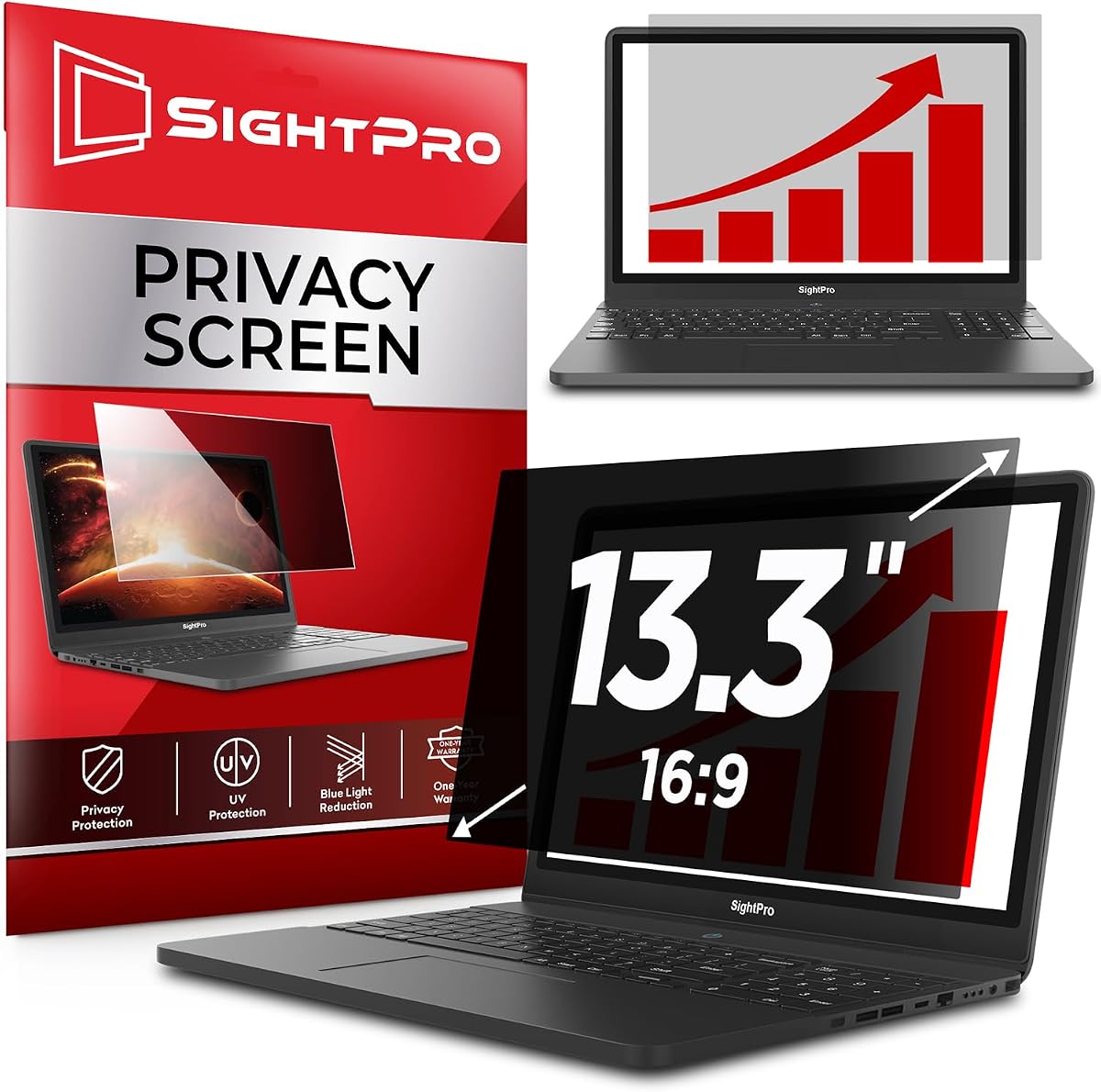
The SightPro 13.3 inch filter delivers high clarity for 16:9 screens with a 4.4 rating. It offers adhesive or slide mounts and reduces harmful light. It is built for durability and compliance with US standards.
We may earn a commission when you buy through this link, at no additional cost to you.
It blocks side views while keeping front view crystal clear. You can choose between adhesive strips or slide tabs for install. The product protects against UV and blue light and reduces glare for comfort during work.
Avoid this if you own a MacBook or touchscreen laptop as it is not compatible. Verify your screen size as diagonal alone is not enough. It may be bulkier than magnetic options but offers secure adhesion.
Best for 16:9 users seeking reliable adhesion. It fits many common brands well. Measure width and height to ensure it matches 294mm and 166mm for a proper fit without gaps.
Choose adhesive or slide mounts based on how often you remove the filter.
Achieves a 4.4 star average from users for optical clarity and fit.
We may earn a commission when you buy through this link, at no additional cost to you.
This ZOEGAA filter stands out with 360 degree protection blocking views from all sides. It has a 4.3 rating and suits 14 inch 16:10 laptops. It also filters harmful light and offers two finish choices.
We may earn a commission when you buy through this link, at no additional cost to you.
Unlike standard filters this one blocks top bottom left and right views for total privacy. Choose glossy for better privacy or matte to reduce glare. You can use slide tabs or double-sided adhesive for stable attachment.
It does not fit MacBook or Surface models so check compatibility first. The glossy finish may reflect more under bright lights than matte. Installation may need extra care with adhesive to avoid bubbles.
Best for users wanting complete surrounding privacy. It works well on common 14 inch brands. Confirm your screen measures 30.2cm width and 18.8cm height for a secure fit without gaps.
Blocks views from up down left and right for total security around you.
Glossy maximizes privacy while matte minimizes glare for different environments.
We may earn a commission when you buy through this link, at no additional cost to you.
This 15.6 inch SightPro filter offers anti-glare protection with a 4.2 rating. It fits 16:9 screens and includes multiple attachment options. It also meets TAA standards and filters harmful light for comfort.
We may earn a commission when you buy through this link, at no additional cost to you.
The anti-glare surface reduces reflections from overhead or ambient light. You can attach it with clear adhesive or slide tabs. The filter protects eyes from UV and blue light to ease strain during long tasks.
It does not support touchscreens so avoid if your device uses touch input. Verify width and height as diagonal alone may not be accurate. Ensure your 15.6 inch screen matches 345mm width and 194mm height.
Best for 15.6 inch users needing glare reduction. It suits office environments with bright lighting. Measure carefully to avoid return hassle and enjoy secure privacy across your laptop display.
Reduces reflections to improve visibility in bright office or outdoor settings.
Choose between adhesive for permanence or slide tabs for easy removal.
We may earn a commission when you buy through this link, at no additional cost to you.
This Protescreen filter offers lifetime support and blue light reduction. It has a 4.0 rating and fits many 14 inch 16:10 laptops. It uses micro-louver tech to darken side views for security.
We may earn a commission when you buy through this link, at no additional cost to you.
It reduces 92% of blue light and 98% of UV light from your screen. The filter is reversible for glossy privacy or matte anti-glare use. You get lifetime support for delivery or fit issues without extra cost.
The rating is lower than some peers so check user notes carefully. It needs careful measurement as diagonal size alone may not fit. It may require adhesive if your frame is not raised for slide tabs.
Best for users prioritizing blue light reduction and support. It fits HP Dell and Acer well. Verify your screen measures 11.89 inch width and 7.40 inch height for a secure perfect fit.
Filters out 92% of blue light to protect eyes during long sessions.
Manufacturer offers lifetime free support for delivery or fit issues.
We may earn a commission when you buy through this link, at no additional cost to you.
The 3M Bright Screen 14 inch filter is designed for full screen laptops. It has a 4.1 rating and uses Nanolouver tech for clarity. It allows quick sharing via flip attach and is hand inspected.
We may earn a commission when you buy through this link, at no additional cost to you.
It transmits 85% of screen light making it brighter than standard filters. The flip attach lets you share screen by flipping the filter to a clear side. It also reduces blue light without distorting color.
The price is higher than basic options but delivers premium optical quality. Ensure your screen matches full screen specs before ordering. It requires adhesive strips for secure placement during daily use.
Best for 14 inch full screen users wanting brightness. Ideal for presentations and bright rooms. Measure width and height to match 304mm width and 190mm height for proper fit.
Delivers up to 25% more brightness than standard privacy filters on the market.
Makes switching from privacy to sharing mode easy with a simple flip.
We may earn a commission when you buy through this link, at no additional cost to you.
This 3M COMPLY filter uses a hinge design for quick flip sharing. It has a 4.2 rating and fits 13.3 inch 16:9 screens. It reduces blue light and offers a reversible finish for different needs.
We may earn a commission when you buy through this link, at no additional cost to you.
The COMPLY attachment system uses a proprietary hinge for durable daily use. Flip the filter to share content and return for privacy. It also reduces 35% of blue light to ease eye strain during work.
It is an older model so some may prefer newer Nanolouver options. Verify width and height as diagonal alone may not fit. It may be less bright than newer 3M models but still effective.
Best for users wanting a secure hinge for frequent sharing. It suits 13.3 inch 16:9 laptops. Measure to match 294mm width and 166mm height for best performance and fit.
Proprietary hinge design withstands frequent flip sharing without wear.
Reduces 35% of blue light to protect eyes during long sessions.
We may earn a commission when you buy through this link, at no additional cost to you.
This 3M Bright Screen 13.3 inch filter achieves a 4.4 rating with Nanolouver tech. It fits 16:9 screens and allows sharing via flip attach. It offers high brightness and durable quality.
We may earn a commission when you buy through this link, at no additional cost to you.
Advanced Nanolouver technology transmits 85% of screen light for clarity. The flip attach lets you share screen by flipping the filter to clear side. It also reduces blue light without distorting color.
It is pricier than basic filters but delivers premium optical clarity. Verify your screen dimensions before ordering to ensure 16:9 match. It requires adhesive strips for secure placement during daily tasks.
Best for 13.3 inch 16:9 users wanting brightness and sharing. Ideal for presentations and bright spaces. Measure to match 294mm width and 166mm height for a secure perfect fit.
Earns 4.4 stars for optical quality and reliable privacy performance.
Delivers up to 25% more brightness than standard privacy filters.
We may earn a commission when you buy through this link, at no additional cost to you.
Selecting the right privacy filter depends on your screen specs and usage habits. These factors will help you find a product that fits securely and provides the privacy level you need.
Always check your laptop's width and height measurements in millimeters. Diagonal size alone can mislead because bezels and aspect ratios vary between brands and models.
Match both width and height with the filter specs before ordering to avoid fit issues and returns.
Choose between slide tabs for removable use or adhesive strips for permanent install. Magnetic options exist for certain laptops and offer quick snap on and off without residue.
Consider how often you share your screen. Removable options save time if you present frequently.
Most filters block side views beyond 60 degrees but some offer 360 degree protection. Decide if you need privacy from all directions or just horizontal side views.
Ensure the filter darkens the screen adequately at an angle while staying clear from the front.
Many filters are not compatible with touchscreens because the film can interfere with touch sensitivity. Confirm if your laptop uses touch before buying.
Avoid filters that are not optimized for touchscreens if you rely on touch input for work.
Look for filters that reduce blue light between 380 and 495nm to ease eye strain. Anti-glare finishes also help in bright environments by reducing reflections.
Prioritize filters with UV and blue light blocking features if you work long hours daily.
Filters made with multi-layered films and durable coatings last longer and resist scratches. Check for warranties or free replacement offers from the manufacturer.
A strong warranty ensures you can replace a damaged filter without extra cost over time.
Government or enterprise users should look for Section 889 or TAA compliance to meet procurement rules. These certifications ensure the product meets specific standards for security and sourcing.
Verify compliance documentation before purchase if your organization requires regulated supply chain adherence.
Glossy finishes enhance privacy while matte finishes reduce glare and fingerprints. Some filters offer reversible options to switch between the two based on your environment.
Choose matte for bright offices and glossy for maximum privacy in low light areas.
Clean your laptop screen with a microfiber cloth before applying the filter to remove dust and oil. Use a lint-free cloth with mild cleaner to avoid residue that can trap dust.
Attach the filter using the recommended method such as slide tabs or adhesive strips. If using adhesive, apply slowly and smooth out bubbles with a card edge for a clean look.
Store the filter in its provided pouch when not in use to avoid scratches and dust. Use the included microfiber cloth to gently wipe the filter and maintain optical clarity.
Yes most filters reduce overall brightness slightly as they block side views. Higher end filters use nanolouver tech to maintain brightness and clarity while preserving privacy. You may need to adjust brightness settings after applying.
Reusable filters use slide tabs or magnets so you can remove and reuse them. Adhesive filters are not reusable unless they use low tack adhesive strips. Check the product before buying to ensure removable features.
Most privacy filters are not compatible with touchscreens. They may interfere with touch sensitivity or cause input lag. Confirm touchscreen compatibility with the manufacturer before purchase if you use touch input.
Use a ruler to measure the visible screen area excluding bezels in millimeters. Match the width and height to the filter specs. Do not rely on diagonal size alone since aspect ratios vary.
Glossy finishes offer better privacy while matte finishes reduce glare and fingerprints. Some filters are reversible so you can choose based on your lighting needs. Use matte in bright spaces and glossy for privacy.
Yes many filters block a portion of blue light between 380 and 495nm. This helps reduce eye strain during long sessions. Check the product details for specific blue light reduction percentages.
We reviewed ten top privacy filters offering varied features like magnetic attach flip share and anti-glare options. The SightPro Magnetic and 3M Bright Screen models lead in flexibility and optical quality for users.
Prioritize screen measurements attachment type and blue light reduction based on your work habits. Frequent travelers may prefer magnetic or slide tab options over adhesive for convenience.
Prices and availability change often so check current listings before purchase. Ensure compatibility with your laptop model for best results and avoid returns with precise measurements.