
Koala Double Sided Semi-Gloss Photo Paper
4.2Editor score
Double side printable design
Fast dry smudge proof
Ideal for photo albums
Discover the top laser printer photo paper options for professional prints. This guide compares compatibility, finish, weight, and durability to help you
Finding the right paper for your laser printer can be challenging. You need materials that handle heat without jamming while delivering vibrant colors. The right choice ensures your documents look professional and crisp every time you print a project.
We evaluated ten top-rated papers based on compatibility, finish quality, and weight. Our analysis focuses on how well each sheet performs in color laser and digital printers. We looked at real-world feedback to ensure reliability and consistent output across various models.
Each pick highlights specific strengths like double-sided printing or heavy weight options. We also note where each product fits best in your workflow. Please remember that availability and stock levels can change frequently on retailer platforms.
4.2Editor score

4.4Editor score

3.9Editor score
This side-by-side comparison shows the key specifications for each paper option. Review the weight finish and compatibility details to find the best match for your specific printer model and project needs.


This product stands out for its consistent printshop quality results. It receives strong ratings for handling high impact branded materials with ease.
We may earn a commission when you buy through this link, at no additional cost to you.
The glossy finish brings professional quality and sharp graphics to your work. It is sourced from sustainably managed forests meeting strict environmental standards.
While it is priced higher than basic copy paper it delivers value through durability. The two sided capability allows for efficient use of materials.
Businesses needing reliable marketing materials will find this a solid choice. It supports crisp black text and sharp color graphics effectively.
The glossy coating ensures your brochures look polished and ready for client meetings without additional finishing.
Sourced from Forest Stewardship Council standards this paper aligns with modern corporate responsibility goals.
We may earn a commission when you buy through this link, at no additional cost to you.
Designed specifically for color laser printers this paper ensures vivid double-sided color printing. It avoids the issues common with generic papers.
We may earn a commission when you buy through this link, at no additional cost to you.
The C2S gloss coating delivers sharp color reproduction for flyers and posters. Acid free construction ensures prints stay vivid without yellowing over time.
While it contains fewer sheets than some bulk options the quality remains consistent. Each pack is sealed to protect from moisture during shipping.
Ideal for professionals needing high volume professional printing results. It balances performance and value for everyday color documents.
The 96 brightness ensures rich true-to-screen color every time you print a presentation slide.
Optimized weight ensures smooth reliable feeding through laser printers without jams or misfeeds.
We may earn a commission when you buy through this link, at no additional cost to you.
This bulk pack offers excellent value for DIY projects and photo albums. It features a finish that sits between glossy and matte perfectly.
We may earn a commission when you buy through this link, at no additional cost to you.
High resolution and true color reproduction are standard with this paper. It works well with dye ink and laser printers for varied needs.
The flat stiffness enables smooth printing without paper jams. However it has less gloss than ordinary glossy paper which may affect shine.
Great for greeting cards and reports requiring a professional look. It is a solid choice for home office enthusiasts.
The semi-glossy surface provides excellent ink absorption without the harsh glare of full glossy options.
With 100 sheets per pack you have ample supply for seasonal cards and project needs.
We may earn a commission when you buy through this link, at no additional cost to you.
HP Everyday Business Paper helps you create professional-quality documents efficiently. It supports two-sided financial documents and business plans.
We may earn a commission when you buy through this link, at no additional cost to you.
The crisp black text and sharp color graphics look great on this paper. You can easily print and scan using the HP Smart app from anywhere.
While the weight is lighter it handles brochures with little to no show-through. It is ideal for everyday marketing materials needing speed.
A reliable choice for businesses printing reports regularly. It balances cost with consistent quality for daily operations.
Seamlessly print and scan from virtually anywhere using the HP Smart app for maximum flexibility.
We may earn a commission when you buy through this link, at no additional cost to you.
This premium photo paper offers a sophisticated semi-gloss coating on both sides. It delivers rich colors and sharp details without harsh glare.
We may earn a commission when you buy through this link, at no additional cost to you.
Specifically engineered for high-speed laserjet printers it withstands intense heat. The fast-drying surface stops messy streaks or blurred text effectively.
At 200 GSM it acts as a durable cover stock for displays. However it is not compatible with inkjet printers so check your model.
Perfect for DIY postcards and business covers needing substantial feel. A must-have staple for small business marketing materials.
Significantly sturdier than standard copy paper this stock provides perfect stiffness for standing displays.
Toner locks instantly on the smudge-resistant surface ensuring documents are ready for immediate handling.
We may earn a commission when you buy through this link, at no additional cost to you.
This bulk pack offers 100 sheets of industry standard glossy photo paper. It works with both inkjet and laser jet printers easily.
We may earn a commission when you buy through this link, at no additional cost to you.
The smooth finish ensures even ink absorption and fast drying. It is recommended for inkjet printers though laser compatibility is noted.
With 200 gsm weight it is substantial for photo printing needs. Some users should verify tray settings for heavy weights.
Great for those needing many photos for events or displays. Print the images that matter most with this value pack.
At 200 gsm this paper meets standard requirements for professional photo printing tasks.
We may earn a commission when you buy through this link, at no additional cost to you.
This value pack provides 30 sheets of glossy photo paper for testing. It shares the same weight specs as the bulk version.
We may earn a commission when you buy through this link, at no additional cost to you.
The smooth finish ensures even ink absorption and fast drying. It supports both inkjet and laser jet printers for versatility.
While the pack is smaller it reduces upfront costs for testing. Ideal for occasional users needing a few high-quality prints.
Choose this if you do not need a full bulk supply. It ensures you print those images that truly matter.
A smaller 30-sheet pack allows you to test print results without bulk waste.
We may earn a commission when you buy through this link, at no additional cost to you.
High quality paper designed for color laser printing and design proposals. It offers rich color reproduction without the cost of premium paper.
We may earn a commission when you buy through this link, at no additional cost to you.
Double-sided glossy surface provides excellent opacity and superior image quality. Acid free construction ensures long-lasting quality appearance for archival projects.
It is not designed for inkjet printers so compatibility is key. Jam-free performance allows focus on creating superior printed pieces.
Ideal for flyers and presentations needing reliable runs. Ensure your printer matches its optimized laser performance.
Offers 99.99% jam-free guaranteed performance to ensure trouble-free runs for bulk projects.
We may earn a commission when you buy through this link, at no additional cost to you.
Thin type paper ideal for printing menus and brochure flyers. It shows color and detail beautifully with excellent ink absorption.
We may earn a commission when you buy through this link, at no additional cost to you.
No watermarks on the back let you write and record freely. Fast dry technology ensures no smearing on your documents.
While single-sided it is designed for specific needs like invitations. The flatness helps prevent paper jams during feeding.
A good choice for DIY party favors and graphics. Check thickness for your specific printer trays carefully.
This thin type is perfect for menus and invitations where heavy weight is not required.
We may earn a commission when you buy through this link, at no additional cost to you.
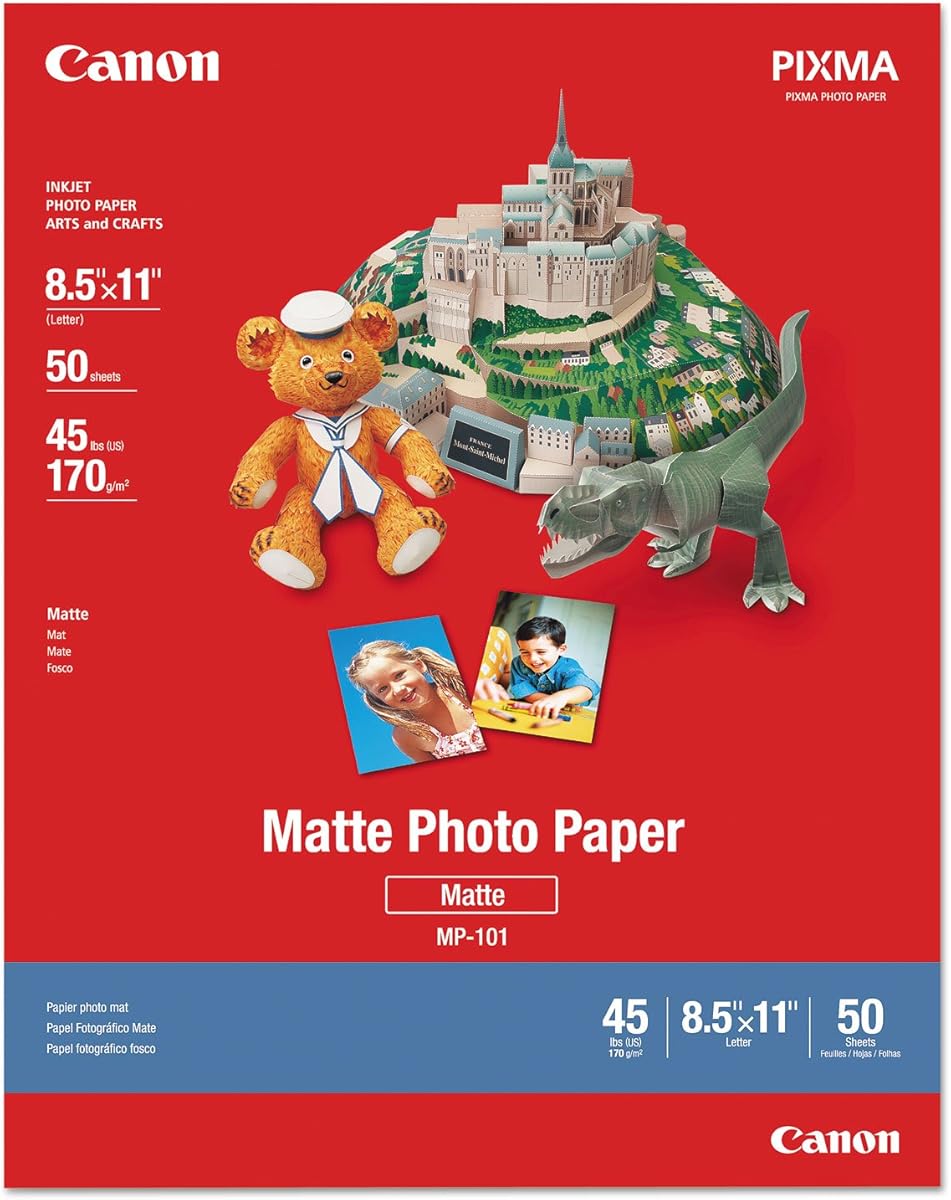
This paper delivers excellent photo results with vibrant colors. It offers a professional matte finish for a unique touch.
We may earn a commission when you buy through this link, at no additional cost to you.
Designed specifically for Canon printers it ensures high quality output. The vibrant colors show through even with the matte coating.
It is a pack of 50 sheets which is manageable for projects. The finish reduces glare but may hide some gloss details.
Ideal for users wanting a non-reflective professional look. Choose this for portfolios and formal print presentations.
Produces excellent photo results with vibrant colors even on a matte surface.
We may earn a commission when you buy through this link, at no additional cost to you.
Selecting the right paper requires looking at weight finish and compatibility factors.
Always verify that the paper is explicitly designed for laser printers. Using inkjet paper in a laser printer can damage the heating unit and cause jams.
Check the product description to ensure it mentions laser or digital printer support specifically.
Weight is measured in pounds or grams per square meter. Heavier papers like 200 GSM offer a premium feel for cards and covers.
Lighter weights such as 32 lb are better for flyers and double sided documents to prevent show-through.
Finish options include glossy semi-gloss and matte. Glossy provides vibrant colors while matte reduces glare for text heavy documents.
Select the finish that matches the visual style of your specific project needs.
Bulk packs like 100 or 200 sheets are cost-effective for high-volume printing. Smaller packs of 30 to 50 sheets suit occasional users.
Consider your monthly usage to avoid running out of stock or buying too much unused paper.
Coatings determine how well toner or ink adheres to the page. High quality coatings ensure sharp edges and prevent smudging.
Look for terms like fast dry or smudge-proof in the product details for reliability.
Acid-free and lignin-free papers prevent yellowing over time. This is essential for documents intended for long-term storage.
Ensure the packaging states archival safe if longevity is a priority for your work.
Secure packaging protects sheets from moisture and curling during shipping. Boxed sets keep the paper flat and easy to stack.
Check if the product comes sealed to guarantee pristine condition upon arrival.
Calculate the cost per sheet to determine value. Premium finishes often cost more but provide better visual impact.
Balance your project requirements with the price to maximize return on investment.
Always load the paper into the printer tray with the correct side facing up. Check the guide for specific orientation instructions to avoid jams.
Store unused paper in a cool dry place inside its original packaging. This prevents moisture from affecting the toner adhesion.
Handle sheets by the edges to avoid fingerprints on the printed surface. Use fresh paper for best color results.
No you should not use inkjet photo paper in a laser printer. The coating on inkjet paper can melt under heat and damage the printer's fuser. Always choose paper explicitly designed for laser printers to ensure safety and proper feed.
Glossy paper has a shiny reflective finish that enhances color vibrancy. Semi-gloss offers a balance between shine and matte to reduce glare while maintaining quality. This makes semi-gloss ideal for documents that need some shine but also readability.
Thick stock can cause jams if the printer settings are not adjusted. Ensure you select the correct paper type in your print settings menu. This changes the heat and speed to accommodate heavier weights properly.
For a small business a bulk pack of 100 sheets is often sufficient for regular use. This quantity reduces the frequency of reordering and keeps costs down. It balances supply needs with storage space availability in your office.
Many high-quality laser photo papers are acid-free and archival safe. This means they will not yellow or fade over time if stored correctly. Always check the product specifications to confirm archival claims before buying.
Yes many laser photo papers support double-sided printing. However you must ensure the paper is coated on both sides for best results. Check if the product is labeled as C2S or double-sided before printing on the reverse side.
We reviewed ten top laser printer photo paper options for professional needs. Our picks cover various finishes and weights to suit different printing demands effectively.
Prioritize compatibility with your specific printer model to avoid jams and damage. Consider the finish type based on whether you need shine or readability for your work.
Always check current stock and product details before making a final decision. Prices and availability change regularly on major online platforms.