
Seagate 8TB BarraCuda Internal Hard Drive
4.7Editor score
High capacity storage
Fast transfer rates
Reliable technology
Choosing the right hard drive for Jellyfin is crucial for a smooth media streaming experience. You need reliable storage that handles continuous read operations without lagging during playback.
We evaluated ten top-rated drives based on capacity, speed, and NAS compatibility. Each option offers unique benefits for home media servers or professional setups.
Every pick highlights key features and real-world performance. Prices change frequently so check current listings before purchasing to ensure the best value for your setup.
4.7Editor score

4.5Editor score

4.6Editor score
As an Amazon Associate we earn from qualifying purchases.
This side-by-side comparison highlights the key specifications and benefits of each drive to help you find the perfect match for your Jellyfin server needs.




The Seagate IronWolf 4TB NAS Internal Hard Drive stands out as a top choice for Jellyfin users. It holds a 4.5 rating from satisfied customers who value its reliability in multi-user environments.
We may earn a commission when you buy through this link, at no additional cost to you.
This drive is purpose-built for NAS enclosures which makes it perfect for home media servers. It delivers ultra-high capacity performance while minimizing wear and tear. The integrated IronWolf Health Management system lets you monitor drive health easily.
While it is more expensive than standard desktop drives the trade-off is worth it for continuous operation. It ensures no lags or downtime during streaming sessions.
If you are building a robust Jellyfin server this drive is highly recommended. It balances capacity performance and reliability for a seamless media experience.
IronWolf drives are designed to handle the 24/7 workload of media servers without overheating or slowing down.
Use the built-in health management tools to proactively track drive status and prevent data loss before it happens.
We may earn a commission when you buy through this link, at no additional cost to you.
The Seagate 8TB BarraCuda Internal Hard Drive offers exceptional value for budget-conscious Jellyfin enthusiasts. It boasts a 4.7 rating reflecting its popularity among users seeking affordable storage.
We may earn a commission when you buy through this link, at no additional cost to you.
With 8TB of space you can store a vast library of movies and shows. The sustained transfer rate of 190MB/s ensures smooth playback even for high-definition content.
It is not specifically optimized for NAS systems but performs well for single-drive setups. The frustration-free packaging makes it simple to install without extra accessories.
For those starting their media server journey this drive is an excellent entry point. It provides ample space without breaking the bank.
Eight terabytes allows you to store thousands of hours of video content ensuring you never run out of space.
The high transfer rate means quick loading times for your media library and smooth streaming performance.
We may earn a commission when you buy through this link, at no additional cost to you.
The Western Digital 12TB WD Blue Internal Hard Drive is a premium choice for users needing massive storage. It holds a 4.6 rating from users who appreciate its capacity and speed.
We may earn a commission when you buy through this link, at no additional cost to you.
With 12TB of space you can archive years of media without worrying about running out of room. The 7200 RPM speed ensures quick access to files and smooth streaming.
It comes with free Acronis True Image WD Edition cloning software making backups easy. WD reliability is trusted worldwide for everyday computing needs.
If you want a drive that will last for years and hold everything this is the top pick. It is ideal for large media libraries.
Twelve terabytes provides enough room for 4K movies and thousands of TV episodes all in one drive.
The 7200 RPM speed allows for faster data retrieval compared to standard 5400 RPM drives.
We may earn a commission when you buy through this link, at no additional cost to you.
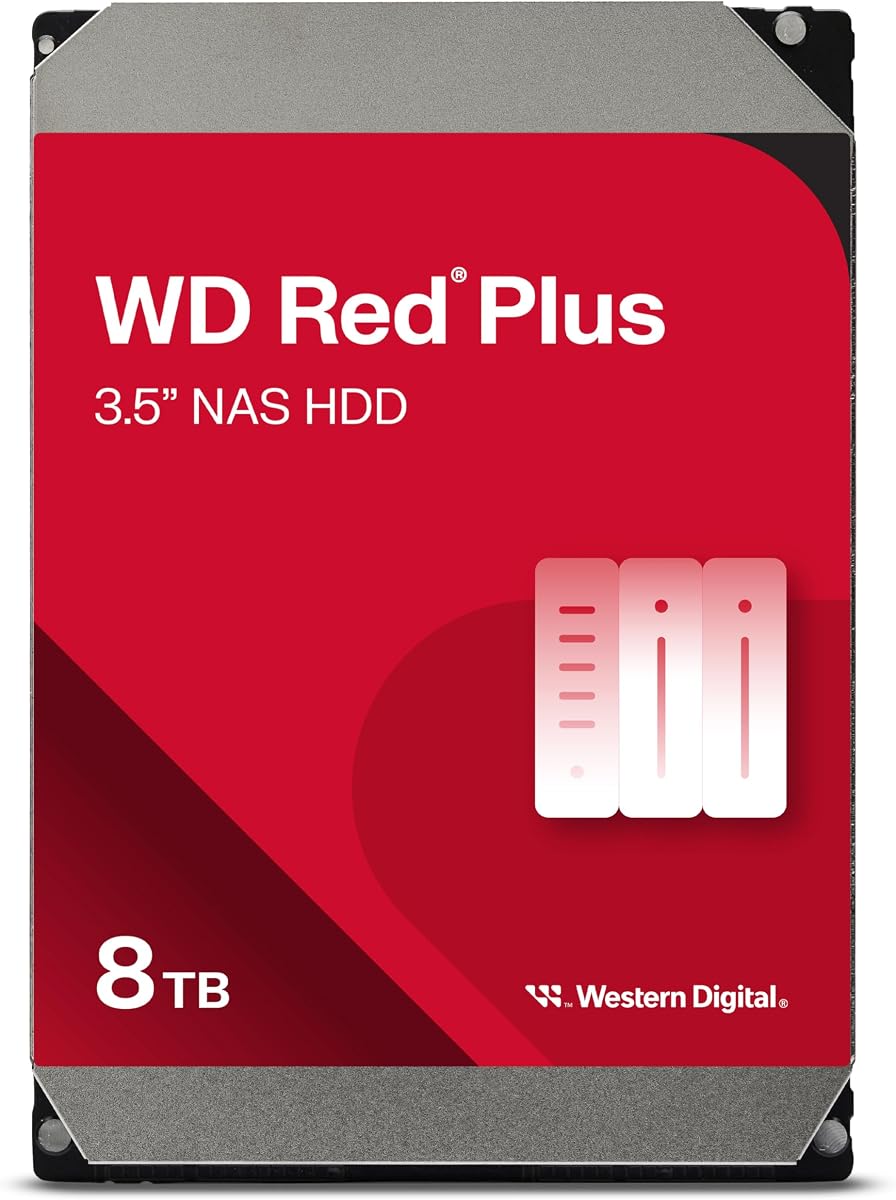
The Western Digital 8TB WD Red Plus NAS Internal Hard Drive is designed specifically for NAS systems. It has a 4.2 rating from users who need reliable storage for business or home networks.
We may earn a commission when you buy through this link, at no additional cost to you.
It features CMR technology which is essential for RAID configurations. The NASware firmware ensures compatibility and stability in 24/7 environments.
While it is priced higher than standard drives it supports up to 180 TB/yr workload rate. This makes it perfect for multi-drive setups.
If you are building a NAS for Jellyfin this drive is a solid choice. It offers peace of mind with its warranty and reliability.
CMR ensures consistent performance and reliability in RAID setups by avoiding the slowdowns of SMR drives.
The drive can handle heavy data transfers annually making it suitable for always-on media servers.
We may earn a commission when you buy through this link, at no additional cost to you.
The Seagate One Touch 8TB External Hard Drive Desktop HDD offers a convenient external solution. It has a 4.6 rating from users who appreciate its portability and ease of use.
We may earn a commission when you buy through this link, at no additional cost to you.
With USB-C compatibility you can connect it to most Windows and macOS systems easily. It is bus-powered so no wall outlet is required for operation.
It comes with Rescue Data Recovery Services adding an extra layer of security. This is great for storing sensitive files and media safely.
If you prefer an external drive for your Jellyfin server this is a top choice. It is simple to set up and reliable for backups.
Connect the drive and start using it immediately without needing to install complex drivers or software.
Peace of mind is provided with two years of data recovery services if something goes wrong with the drive.
We may earn a commission when you buy through this link, at no additional cost to you.
The Seagate 1TB Mobile HDD is a compact option for smaller Jellyfin setups. It holds a 4.4 rating from users who need reliable storage in a small form factor.
We may earn a commission when you buy through this link, at no additional cost to you.
At 7mm thin it is perfect for portable systems or laptops. It enables a drop-in transition without adding extra weight to your setup.
You can store up to 124 hours of high-definition video on this drive. It is great for media servers where space is limited.
If you need a smaller drive for a portable Jellyfin setup this is ideal. It offers good capacity in a tiny package.
The 7mm design allows installation in devices with very tight internal spaces.
The standard SATA interface ensures it works with almost any modern device or laptop.
We may earn a commission when you buy through this link, at no additional cost to you.
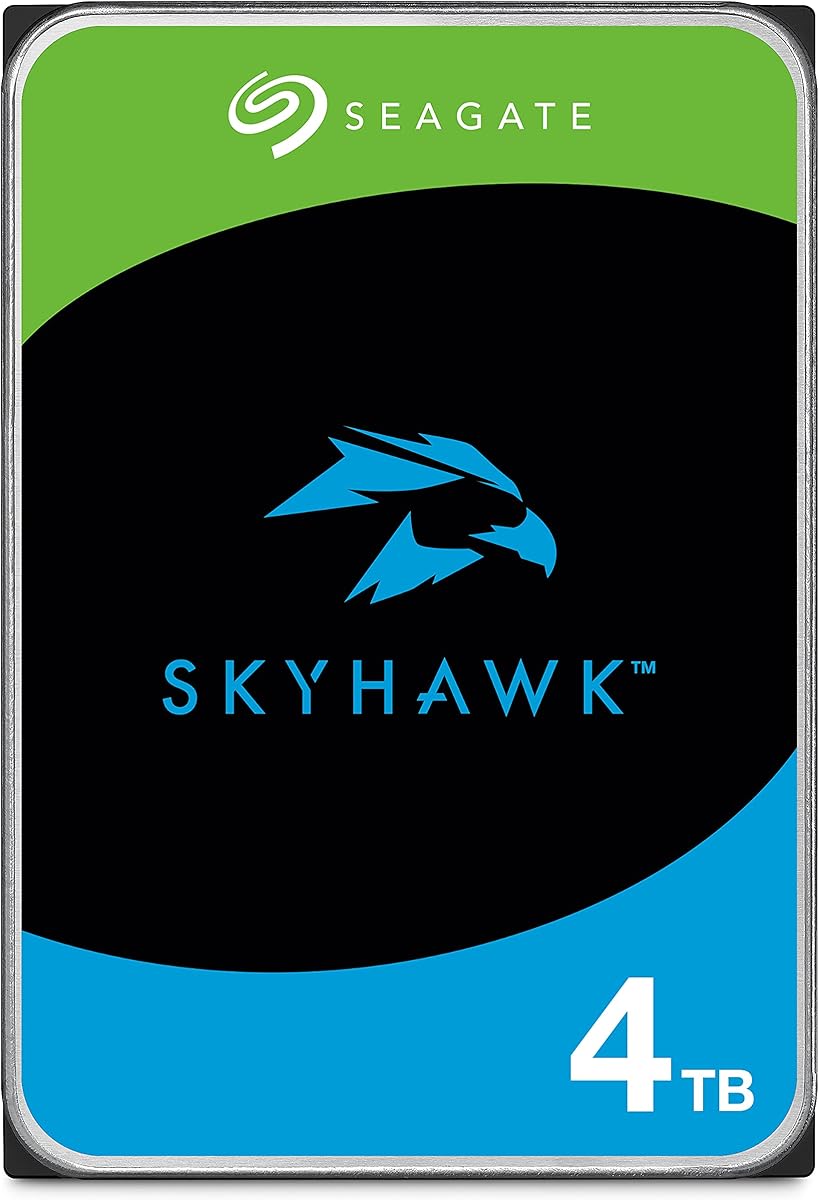
The Seagate Skyhawk 4TB Video Internal Hard Drive is optimized for video workloads. It has a 4.4 rating from users who value its reliability in continuous recording scenarios.
We may earn a commission when you buy through this link, at no additional cost to you.
It supports workloads up to 180TB/year which is great for media streaming. The built-in RV sensors help maintain performance in multi-bay systems.
Lower power consumption means less heat and better reliability over time. It is built for write-intensive tasks common in video systems.
If you want a drive that handles video data efficiently this is a strong option. It is reliable for servers that need consistent performance.
Designed to handle the constant read and write operations of video streaming without data loss.
Reduced energy consumption helps keep your system cool and lowers electricity bills over time.
We may earn a commission when you buy through this link, at no additional cost to you.
The Western Digital 6TB WD Purple Surveillance Internal Hard Drive is built for surveillance security systems. It holds a 4.5 rating from users needing robust storage for write-intensive workloads.
We may earn a commission when you buy through this link, at no additional cost to you.
AllFrame AI technology enhances performance for high stream-count tasks. It supports up to 180 TB/yr workload rate for reliable operation.
Designed specifically for security systems it can also serve media servers well. It supports more than eight bays for scalable storage.
If you need a drive for continuous video operations this is a top pick. It ensures data integrity in demanding environments.
This technology improves video quality by reducing frame loss in multi-stream recording scenarios.
Handles multiple simultaneous video streams without dropping frames or stuttering playback.
We may earn a commission when you buy through this link, at no additional cost to you.
The SEAGATE ST4000VX007 Skyhawk 4TB Surveillance Hard is custom-built for surveillance applications. It has a 4.6 rating from users who rely on its performance for continuous recording.
We may earn a commission when you buy through this link, at no additional cost to you.
Image Perfect firmware ensures crisp clear video for 24/7 workloads. Rotational vibration sensors help maintain performance in RAID systems.
It has a maximum workload rating of 180TB/year which is three times that of desktop drives. This ensures reliable performance for media servers.
If you need a drive for continuous video streaming this is a solid choice. It is designed to handle heavy write operations efficiently.
Ensures that recorded video is clear and uninterrupted by optimizing for continuous write workloads.
Sensors detect vibration to maintain speed and prevent errors in multi-drive enclosures.
We may earn a commission when you buy through this link, at no additional cost to you.
The Seagate IronWolf ST6000VN001 6 TB Hard Drive is a solid NAS choice. It holds a 4.4 rating from users who appreciate its performance in network attached storage environments.
We may earn a commission when you buy through this link, at no additional cost to you.
With 6TB capacity it provides plenty of space for media libraries. The 256MB cache helps improve data access speeds for faster streaming.
It is designed for NAS servers ensuring stability during continuous operation. The 5400 RPM speed balances power use and performance well.
If you need a reliable drive for your Jellyfin server this is a great option. It offers consistent performance for home media setups.
Built to handle the unique stress of networked storage systems ensuring long-term reliability.
A larger cache allows for more efficient data transfer between the drive and your system.
We may earn a commission when you buy through this link, at no additional cost to you.
Selecting the right hard drive for Jellyfin requires understanding several key factors to ensure smooth streaming and reliable storage.
Capacity is one of the most important factors to consider. You want enough space to store your entire media library including movies TV shows and music. Consider how much content you have and how fast it grows to pick a drive with enough room.
Look for at least 4TB for a decent collection or 8TB for larger libraries. This ensures you do not have to upgrade frequently.
Decide between internal and external drives based on your needs. Internal drives are better for dedicated servers while external drives are great for portable or simple setups.
Internal drives generally offer better performance and integration but external drives are easier to install.
NAS optimized drives are built for 24/7 operation in server environments. They have better cooling and vibration resistance which prevents data loss.
If you run a multi-drive server always choose a NAS drive to avoid hardware failure.
Transfer speed affects how quickly your media loads and streams. Look for SATA drives with high transfer rates to handle 4K video without buffering.
Choose drives with sustained transfer rates above 180MB/s for smooth playback.
Cache size helps improve data access speeds for frequently used files. A larger cache means your server can retrieve media faster.
Look for drives with at least 128MB of cache for better performance.
Power consumption matters if you run your server 24/7. Lower power drives save energy and reduce heat which improves reliability.
Choose drives with low wattage to keep cooling costs down.
Reliability is crucial for a server that runs continuously. Look for drives with high MTBF ratings and comprehensive warranties to protect your investment.
Prioritize drives with at least a 3-year warranty for peace of mind.
Balance your budget with performance needs. More expensive drives often offer better longevity and speed which may save money in the long run.
Compare prices to find the best value for your specific usage.
Start by securely mounting the drive in your server case to prevent vibrations. Ensure all cables are connected properly to avoid power issues.
Use software to monitor drive health regularly. This helps catch potential problems before they lead to data loss.
Keep your server in a cool dry place to maintain drive longevity. Dust buildup can cause overheating so clean vents periodically.
The Seagate IronWolf 4TB is often considered the best overall for its NAS optimization and reliability. However it depends on your budget and storage needs.
NAS drives are recommended if you run a multi-drive server or need 24/7 operation. They are built to handle continuous loads better than standard desktop drives.
This depends on your media library size. A 4TB drive is good for moderate collections while 8TB or more is ideal for large libraries with 4K content.
Yes external drives work well for simpler setups. Ensure the drive connects via USB 3.0 or higher to avoid bottlenecks.
CMR means conventional magnetic recording which is better for RAID and NAS systems. Avoid SMR drives for servers to ensure consistent performance.
Use built-in tools like IronWolf Health Management or third-party software to check SMART data. This helps you stay ahead of potential issues.
Choosing the right drive ensures smooth streaming and reliable media storage for your Jellyfin server. The top picks offer a range of options from budget-friendly to premium solutions.
Prioritize capacity and reliability based on your specific needs. NAS drives are best for serious users while desktop drives work for casual setups.
Check current prices and availability before purchasing as they change frequently. This guide provides a solid starting point for finding your perfect match.