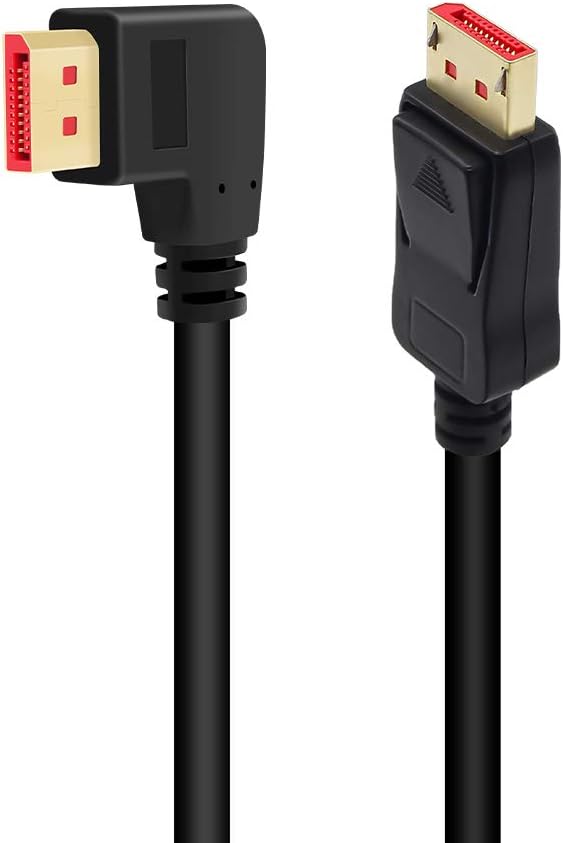
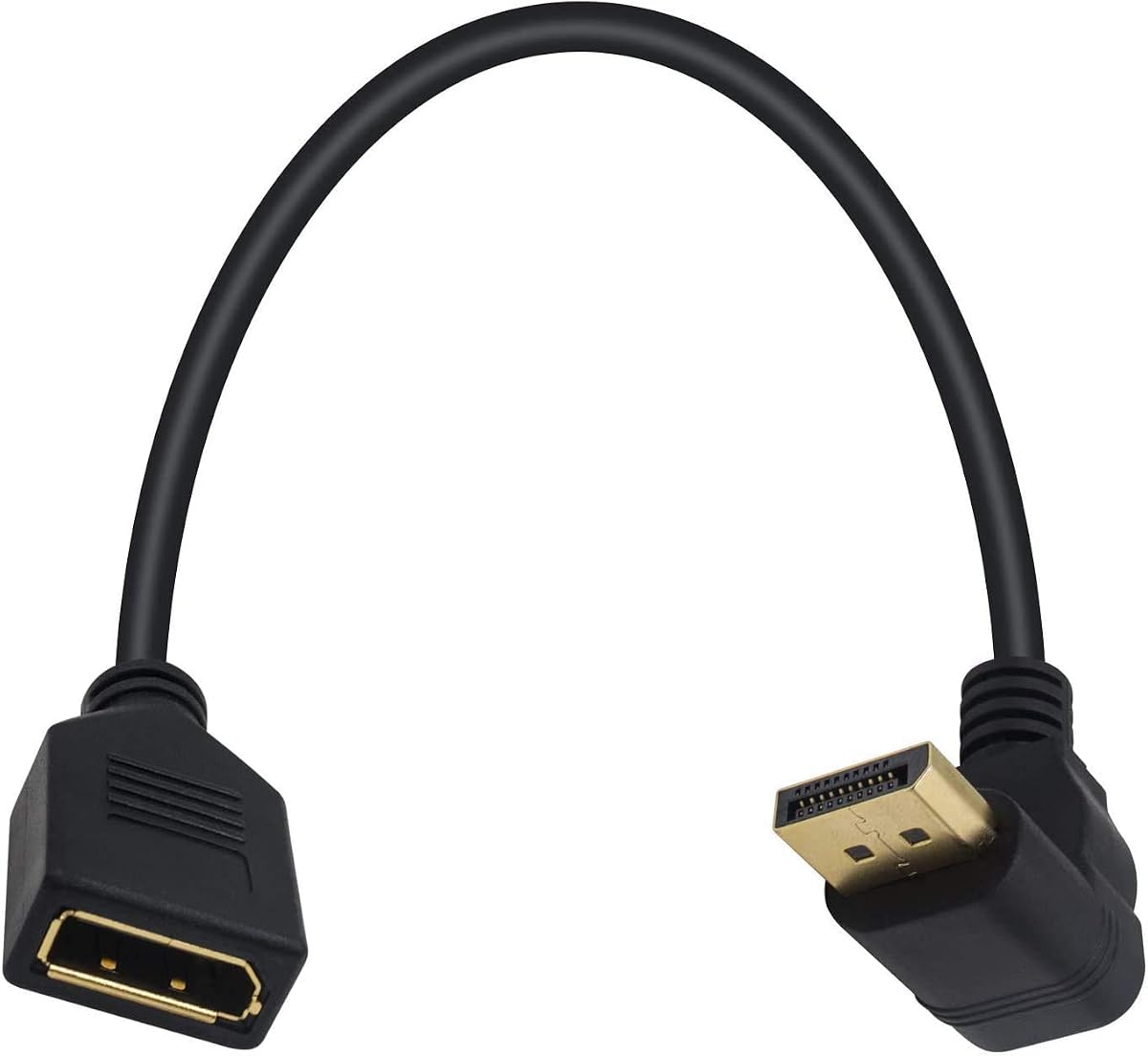
10 Best 90 Degree Displayport Adapter And Cable in 2026
This guide compares ten top-rated 90 Degree Displayport Adapter and Cable models for high-resolution video, gaming performance, and reliable connectivity in
As an Amazon Associate we earn from qualifying purchases. We may earn a commission when you buy through links on this page, at no additional cost to you. Read our affiliate disclosure.As an Amazon Associate we earn from qualifying purchases.Purchases through our links may earn us a commission, at no extra cost to you. Read our affiliate disclosure.
Finding the right connection for your display can be challenging when space is limited. A 90 Degree Displayport Adapter and Cable helps manage cables neatly while supporting high-resolution video and audio signals for modern setups.
We evaluated ten leading products based on build quality, signal integrity, and compatibility with the latest DisplayPort standards. Each model offers unique design features to suit different mounting orientations and device requirements effectively.
Each pick highlights key specifications, pros, and cons to help you decide quickly. Prices and availability change often, so check the current listings before making your final purchase decision for your specific setup needs.
Top 3 Picks for Best 90 Degree Displayport Adapter and Cable
Best Budget
8K 90 Degree DisplayPort 1.4 Adapter 2-Pack, (Up and Down) Right Angle DP Male to Female Display Port L-Shaped Connector Extender Support 8K@60Hz,4K@144Hz for Wall TV, Monitor, Laptop and PC
Top 10 Best 90 Degree Displayport Adapter and Cable in 2026 Compared
The following table provides a side-by-side view of all ten products we reviewed. Compare their key capabilities and design features to find the exact match for your display connection requirements today.
ProductsSpecificationsEditor scorePrice
1
Editor's Choice
Cable Matters 4K@240Hz Right Angle DisplayPort 1.4 Adapter, 90 Degree
Poyiccot Right Angle Displayport 1.4 Cable, 90 Degree Displayport Extension Cable (8K/60Hz, 4k/144Hz), 32.4Gbps Short Display Port Male to Female DP 1.4 Cable Cord for PC, Laptop, 15cm
8K 90 Degree DisplayPort 1.4 Adapter 2-Pack, (Up and Down) Right Angle DP Male to Female Display Port L-Shaped Connector Extender Support 8K@60Hz,4K@144Hz for Wall TV, Monitor, Laptop and PC
chenyang DisplayPort 1.4 Cable DisplayPort Male to Female 90 Degree Down Angled 8K@60Hz 4K@240Hz 32.4Gbps High Speed Gold Plated Ultrafine Extension Cable Panel Mount Type 0.98FT/0.3M
Cable Matters 4K@240Hz Right Angle DisplayPort 1.4 Adapter, 90 Degree
Supports 8K 60Hz video
DisplayPort 1.4 compatible
Right angle connector
Optimized for tight spaces
The Cable Matters 4K@240Hz Right Angle DisplayPort 1.4 Adapter stands out with its high compatibility and robust performance. It earns an Editor's Choice badge for delivering exceptional video quality in compact setups where standard cables fail to fit properly.
Pros
High resolution support up to 8K
Compact design saves space
Supports advanced audio formats
Easy installation and setup
Durable construction quality
Cons
Limited cable length options
Only supports specific orientations
We may earn a commission when you buy through this link, at no additional cost to you.
This adapter supports the latest DisplayPort 1.4 standards, enabling resolutions up to 8K@60Hz and 4K@240Hz. It handles advanced features like Auto Low Latency Mode and Variable Refresh Rate, making it ideal for gaming and high-end media consumption.
While the design is excellent for tight spaces, users should note that the cable length is not included in all versions. Additionally, the 90-degree design is fixed in orientation, which might limit flexibility depending on your port alignment.
We recommend this adapter for anyone needing reliable high-resolution connectivity in confined areas. Its ability to maintain signal integrity without interference makes it a top choice for professional and gaming setups alike.
High Resolution Video Support
Supports 8K@60Hz and 4K@240Hz for stunning visual clarity and smooth frame rates.
Space Efficient Design
The right-angle connector redirects the cable upward or downward to avoid obstructions.
8K 90 Degree DisplayPort 1.4 Adapter 2-Pack, (Up and Down) Right Angle DP Male to Female Display Port L-Shaped Connector Extender Support 8K@60Hz,4K@144Hz for Wall TV, Monitor, Laptop and PC
Includes two adapters
Supports 8K 60Hz
Up and Down orientation
Gold plated connectors
This budget-friendly 2-pack provides excellent value for those needing multiple adapters for different devices. It supports 8K 60Hz video and includes both up and down orientations, offering great versatility for wall-mounted TV setups.
Pros
Cost effective two pack bundle
Supports 8K resolution
Flexible orientation options
Compatible with many devices
Durable aluminum shell
Cons
Adapter only without cable
Requires compatible 1.4 ports
We may earn a commission when you buy through this link, at no additional cost to you.
The adapters are built with high-quality aluminum alloy shells and 24k gold-plated connectors for durability. They ensure stable connections and protect your devices from strain, making them ideal for tight spaces behind walls.
Note that these are male-to-female adapters, meaning you need a separate DisplayPort cable to connect devices. If your ports do not support DisplayPort 1.4 functions, the 8K performance might not be fully utilized.
We recommend this bundle for users looking for reliable adapters without breaking the bank. It is a smart choice for extending your cable reach while maintaining high-definition audio and video transmission capabilities.
Two Pack Value
Buying two adapters saves money and provides flexibility for multiple setup configurations.
Durable Construction
Gold plated connectors and aluminum shells resist corrosion and handle frequent plugging.
Poyiccot 16K Displayport Extension Cable 1.5FT, 54Gbps 90 Degree Right Angle Displayport 2.1 Male to Female Cable Support for 16K@30Hz, 8K@120Hz, 4K@240Hz 165Hz, HDR, HDCP, Gaming Monitor, Graphics
Supports 16K 30Hz
54Gbps bandwidth
DisplayPort 2.1 standard
Supports G-Sync FreeSync
The Poyiccot 16K Displayport Extension Cable offers the highest performance available today with DisplayPort 2.1 technology. It earns Best Premium status for its ability to support 16K resolution and massive bandwidth for professional workflows.
Pros
Latest DisplayPort 2.1 standard
Massive 54Gbps bandwidth
Supports 16K video
Compatible with latest GPUs
Stable signal transmission
Cons
Higher price point
Requires compatible monitors
We may earn a commission when you buy through this link, at no additional cost to you.
With 54Gbps bandwidth, this cable handles multiple screens and high refresh rates effortlessly. It supports HDR, lossless surround sound, and is compatible with the latest graphics cards like RTX 5090 series for ultimate gaming performance.
The main trade-off is cost and compatibility. You need a monitor and GPU that support DisplayPort 2.1 to unlock the full 16K and 240Hz capabilities. Otherwise, it will work with older devices but at lower specs.
We recommend this cable for enthusiasts and professionals who need future-proof connectivity. It provides a stable, high-speed connection that will serve you well as display technology continues to advance in the coming years.
Future Proof Bandwidth
54Gbps bandwidth ensures you can use the latest high-resolution displays and graphics cards.
Premium Gaming Features
Supports G-Sync, FreeSync, and dynamic HDR for seamless gaming without screen tearing.
The BolAAzuL 90 Degree Displayport 1.4 Adapter Cable offers a practical solution with its 6ft length and solid performance. It is designed to provide easier access to ports that are difficult to reach in standard configurations.
Pros
Generous 6ft length
Gold plated latch connectors
Supports 4K 144Hz
Triple-layer shielding for stability
Durable bare copper conductors
Cons
Orientation may vary by device
Requires careful port check
We may earn a commission when you buy through this link, at no additional cost to you.
Built with gold-plated connectors and triple-layer shielding, this cable ensures secure connections and reduces interference. It supports 8K and 60Hz as well as 4K and 144Hz, making it suitable for high-end monitors and gaming setups.
One consideration is the port alignment. Since devices vary, the angle might point in a direction you did not expect. Checking your specific device ports before ordering is essential to ensure it fits your layout.
We recommend this cable for users needing extra length and reliable shielding. It provides a balance of durability and performance that is well suited for office and home entertainment environments.
Extra Length Design
A 6ft length provides flexibility to route cables away from obstructions easily.
Premium Materials
Bare copper conductors and shielding maintain signal integrity over longer distances.
Poyiccot Right Angle Displayport 1.4 Cable, 90 Degree Displayport Extension Cable (8K/60Hz, 4k/144Hz), 32.4Gbps Short Display Port Male to Female DP 1.4 Cable Cord for PC, Laptop, 15cm
15cm short length
Supports 32.4Gbps
Supports 8K 60Hz
Compatible with DP 1.2
This short 15cm cable is ideal for extending connections in extremely tight spaces where bulk is a concern. It supports high resolutions up to 8K 60Hz and uses DisplayPort 1.4 features for excellent video quality.
Pros
Very compact 15cm design
Supports 32.4Gbps bandwidth
Backward compatible with older DP
Supports HDR10 and 4K
Tinned copper conductors
Cons
Short length limits routing
Only one direction angle
We may earn a commission when you buy through this link, at no additional cost to you.
The construction includes 28AWG tinned copper and triple-layer shielding to maintain stable signals. It is flexible and easy to carry, making it a great choice for transporting between office and home setups.
While the short length is a benefit for tight spots, it limits how far you can reach. If you need to bridge gaps over a desk or through a wall, you may need a longer option for that scenario.
We recommend this for users with limited space or those needing a flexible extension. It delivers solid performance and compatibility for a range of devices including monitors and laptops.
Compact Flexibility
The short design allows easy cable management in cramped desks or behind monitors.
High Bandwidth
32.4Gbps bandwidth ensures smooth video transmission for high resolution displays.
Poyiccot Displayport Extension Cable, 90 Degree Displayport Extender Up Angle DP to DP Male to Female Extension Adapter Cable Gold Plated 30CM/12inch
30cm 12inch length
Gold plated connectors
Supports 4K 2K
Low profile design
This 30cm extension cable provides a mid-length solution for extending reach without bulk. It supports 4K and 2K resolutions and uses gold plated connectors to ensure stable connections over time.
Pros
30cm length offers flexibility
Gold plated for durability
Supports 4K resolution
Low profile to block ports
Supports 7.1 audio
Cons
Limited to 4K 30Hz
Up angle fixed direction
We may earn a commission when you buy through this link, at no additional cost to you.
The low-profile design helps prevent adjacent ports from being blocked. It also supports uncompressed digital audio, which is beneficial for connecting high-end speakers or surround sound systems.
Users should be aware that this model supports 4K at 30Hz, which is lower than the refresh rates offered by newer cables. It is suitable for standard work setups but not for high refresh rate gaming.
We recommend this for users needing a reliable mid-length extension for standard displays. It is cost-effective and provides good connectivity for monitors that do not require the latest high-speed standards.
Low Profile Design
Does not block adjacent ports allowing full use of other connectivity options.
Audio Support
Supports uncompressed digital 7.1 audio for immersive sound setups.
Cable Matters Combo-Pack 4K@240Hz Flat Right Angle DP 1.4 Adapter
Combo pack included
Flat right angle design
Supports 4K 240Hz
Multiple orientation options
This combo pack offers multiple adapters to suit different mounting needs. It supports 4K 240Hz and includes options for both 90-degree and 270-degree orientations, providing flexibility for various setups.
Pros
Combo includes multiple adapters
Flat design saves space
Supports 4K 240Hz
Reduces cable strain
Supports Dolby Atmos
Cons
Adapters only not cables
Orientation selection needed
We may earn a commission when you buy through this link, at no additional cost to you.
The flat right-angle design helps maximize space in tight environments like wall-mounted TVs or compact desks. It ensures cables are routed neatly to reduce clutter and improve the aesthetics of the setup.
Since these are adapters, you will need to supply your own DisplayPort cable. Users should ensure their display and source devices support the required DisplayPort 1.4 features to unlock full performance.
We recommend this pack for users who need to connect multiple devices or want redundancy. It offers versatility and strong performance for high-resolution displays requiring reliable connectivity.
Multiple Orientations
Includes both 90 and 270 degree adapters to suit different cable routing needs.
High Refresh Rate
Supports up to 4K 240Hz for smooth gaming and video playback.
90 Degree DisplayPort Cable 3.3FT, Upward Angled Displayport 1.4 Cord Support up to 8K, 4K/60Hz for Gaming Monitor Graphics Card
3.3FT cable length
Upward angled joint
Supports 8K 60Hz
Gaming focused design
This 3.3ft cable is designed for gaming monitors and graphics cards requiring high resolution and speed. It supports 8K 60Hz and uses an upward angled joint to solve space constraints behind compact computer cases.
Pros
3.3ft length for easy routing
Supports 8K 60Hz
Upward joint saves space
High speed data transfer
Compatible with most GPUs
Cons
Fixed upward angle
Requires compatible port alignment
We may earn a commission when you buy through this link, at no additional cost to you.
The cable is built to reduce bending and compression, ensuring connection stability and durability. It provides lag-free data transfer suitable for high frame rates and large data processing tasks.
Users should verify that their ports match the upward angle direction. If the port layout on your device conflicts with the angle, you might experience physical strain on the connection.
We recommend this for gamers and workstation users needing reliable high-resolution connectivity. Its sturdy build and high bandwidth support make it a solid choice for demanding visual setups.
Gaming Optimization
Designed to support lag free transfer for smooth gaming experience.
Durable Joint
Upward angled joint reduces compression and improves stability.
DisplayPort Extension Cable,90 Degree DP Male to Female Extender Ultra HD
15cm short length
Supports 16K 30Hz
Supports DSC 2.2
Compatible with many GPUs
This extension cable supports Ultra HD up to 16K 30Hz and is built to handle high bandwidth requirements. Its short 15cm length makes it ideal for tight spaces where long cables are impractical.
Pros
Supports 16K 30Hz
High bandwidth DSC support
Short length for tight spaces
Compatible with many devices
Durable construction
Cons
Very short 15cm length
Orientation fixed
We may earn a commission when you buy through this link, at no additional cost to you.
Compatible with a wide range of monitors and graphics cards, it ensures easy setup and high-quality transmission. It also supports DSC 2.2 for display stream compression which helps manage high resolution data.
The primary limitation is the short length. If you need to extend a cable across a desk or through a wall, this might not provide enough reach for your needs.
We recommend this for users needing an Ultra HD extension in confined setups. It offers high compatibility and stable transmission for professional and entertainment displays.
Ultra HD Support
Supports up to 16K 30Hz for exceptional image detail.
Compression Tech
DSC 2.2 support helps deliver high resolution smoothly.
chenyang DisplayPort 1.4 Cable DisplayPort Male to Female 90 Degree Down Angled 8K@60Hz 4K@240Hz 32.4Gbps High Speed Gold Plated Ultrafine Extension Cable Panel Mount Type 0.98FT/0.3M
0.98FT length
Ultrafine flexible design
Supports 8K 60Hz
Panel mount type
This ultrafine cable is designed for flexible routing in tight spaces. It supports 8K 60Hz and features a panel mount type, making it suitable for rigs and stabilizers requiring compact connectors.
Pros
Ultrafine flexible cable
Supports 8K 60Hz
Gold plated connectors
Panel mount type
Stable connection
Cons
Very short length
Specialized panel mount use
We may earn a commission when you buy through this link, at no additional cost to you.
The gold-plated connectors ensure solid connections, and the heavy cable ends guarantee longevity. It is built to withstand accidental tugs without breaking easily, which is crucial for mobile setups.
The 0.98ft length is extremely short, limiting its use to specific scenarios where flexibility is more important than reach. It is best suited for panel mounting or specialized rigging applications.
We recommend this for users needing a flexible ultrafine connection in confined spaces. It provides reliable signal transmission for high resolution displays in professional setups.
Ultrafine Flexibility
The 4.0mm diameter fits perfectly in tight spaces for cable routing.
Durability
Heavy cable ends and welded design ensure longevity.
We may earn a commission when you buy through this link, at no additional cost to you.
Buying Guide – How to Choose the Best 90 Degree Displayport Adapter and Cable
Selecting the right adapter requires considering resolution, bandwidth, and physical orientation to fit your setup.
Resolution and Refresh Rate Support
Ensure the adapter supports the resolution and refresh rate of your monitor. Look for DisplayPort 1.4 or 2.1 standards to handle 4K at 144Hz or 8K at 60Hz.
Check the bandwidth specs like 32.4Gbps or 54Gbps to confirm compatibility with your target resolution.
Orientation and Angles
Determine if you need an upward, downward, or left/right angled adapter. Some options include combo packs with both directions for flexibility.
Verify that the angle matches your specific device port to avoid cable strain.
Cable Length
Choose a length that reaches your device without excess slack. Shorter cables like 15cm or 30cm are best for tight spaces, while longer ones like 6ft help with reach.
Avoid cables that are too long for your needs to reduce clutter and potential signal interference.
Connector Material
Look for gold-plated connectors to resist corrosion and ensure stable signal transmission. High-quality materials extend the lifespan of your adapter.
Aluminum alloy shells provide better heat dissipation and protection against physical damage.
Compatibility
Check that your graphics card and monitor support the same DisplayPort standard. Backward compatibility with older versions like DP 1.2 is common.
Ensure the adapter supports features like G-Sync or FreeSync if you use them for gaming.
Audio Support
Many adapters support uncompressed digital audio like Dolby Atmos. This is essential for surround sound setups.
Verify that the specific model includes audio pass-through capabilities.
Durability
Select cables with reinforced joints and shielding to handle frequent plugging and unplugging.
Look for warranties from the manufacturer to protect against defects.
Type of Product
Decide between a standalone adapter that requires a separate cable and a full cable assembly.
Adapters save space but need a compatible cable to complete the connection.
How to Use and Care for Your 90 Degree Displayport Adapter and Cable
Plug the adapter into the device port securely. Ensure the angled direction aligns with the cable path to avoid bending.
Connect the display cable to the other end of the adapter. Make sure the latch clicks into place for a stable connection.
Avoid pulling on the cable to disconnect. Instead, press the latch gently to remove it safely and prolong the adapter life.
Frequently Asked Questions
Do 90 Degree Displayport adapters support 4K 144Hz?
Yes, adapters supporting DisplayPort 1.4 or 2.1 standards support 4K at 144Hz. Check the product specs to confirm the refresh rate and resolution support.
Will an adapter block adjacent ports?
Low-profile designs usually avoid blocking adjacent ports. Look for models described as low-profile or ultrafine to prevent this issue.
Are these adapters compatible with Mini DisplayPort?
Most products are for standard DisplayPort only. Check the product title carefully to confirm compatibility with Mini DisplayPort if needed.
What is the maximum resolution supported?
Newer models with DP 2.1 support up to 16K. Most current adapters support 8K at 60Hz or 4K at 240Hz depending on the standard.
Can I use these with gaming monitors?
Yes, many support features like G-Sync and FreeSync. Ensure the adapter supports the required refresh rate and resolution for your monitor.
Do I need to install drivers?
No, these adapters are plug and play. The system will recognize them automatically without additional software.
Final Thoughts on Choosing the Best 90 Degree Displayport Adapter and Cable
The top picks include the Cable Matters Adapter for overall quality, the 8K 2-Pack for budget needs, and the Poyiccot 16K for premium performance.
Prioritize resolution support and orientation that matches your device ports to ensure smooth installation without physical strain.
Remember to check current prices and availability on the provided links as deals change frequently.
Discover the top iPhone 17 Pro Max upgrades including cases, protectors, and accessories to enhance performance and protect your new device effectively.