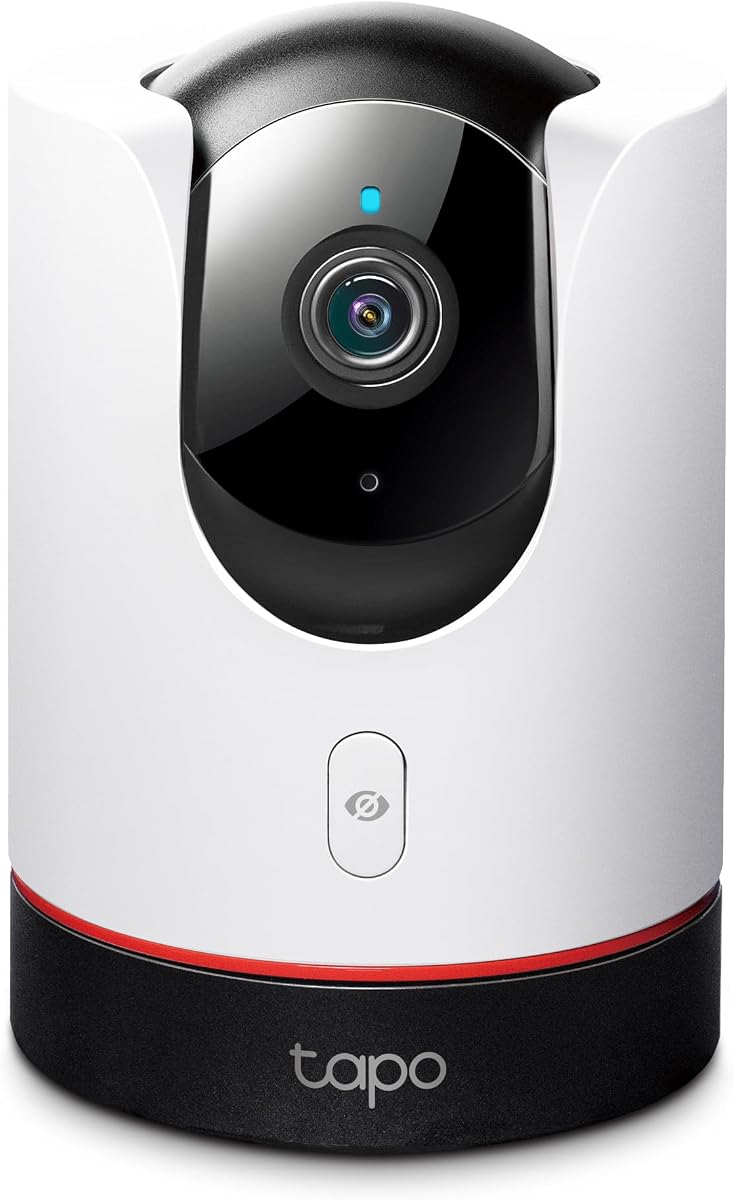
TP-Link Tapo C225
4.5Editor score
Affordable 2K Resolution
360 Degree Pan Tilt
Physical Privacy Mode
Compare the top Apple HomeKit security cameras for October 2026. We evaluate video quality, privacy features, and smart home integration across ten models.
Securing your home with Apple HomeKit compatible cameras ensures privacy and seamless integration. These devices offer end-to-end encryption and local processing to protect your data while keeping you informed of activity around your property.
We evaluated ten leading models based on resolution, field of view, smart detection capabilities, and ecosystem compatibility. Our analysis focuses on how well each camera works within the Apple Home app and supports Secure Video features.
Each review highlights key strengths and trade-offs to help you choose the right fit for your needs. Product availability and pricing may vary over time so verify current details before making your final purchase decision.
4.5Editor score
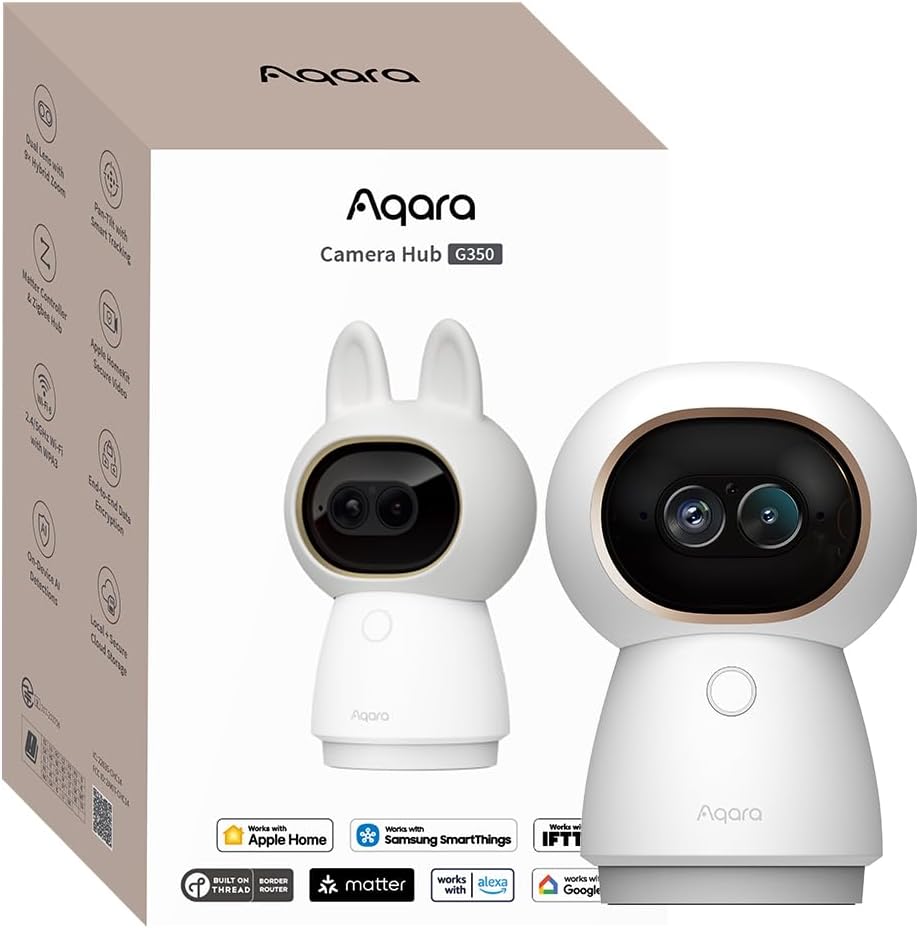
4.3Editor score
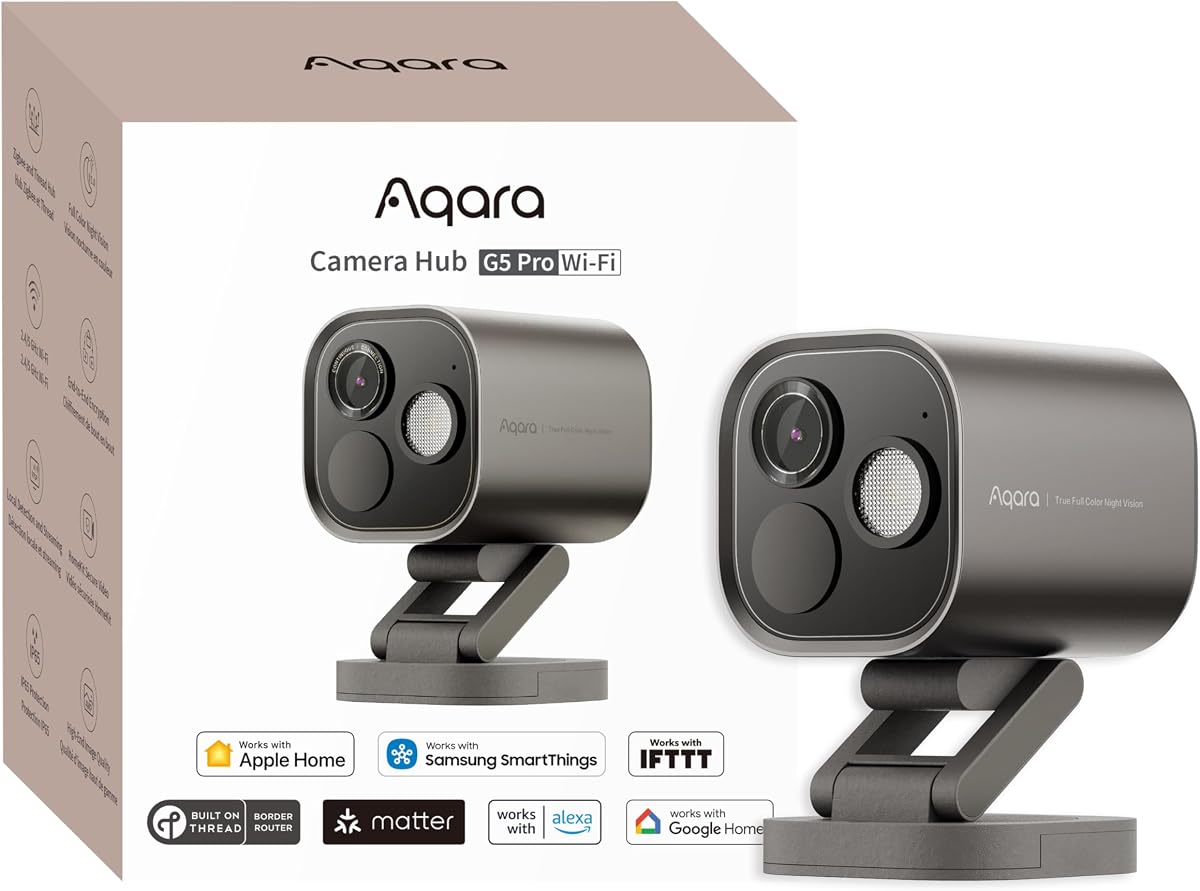
4.3Editor score
This table compares the key specifications of all ten reviewed cameras to help you quickly identify the model that fits your specific home security requirements and budget constraints.
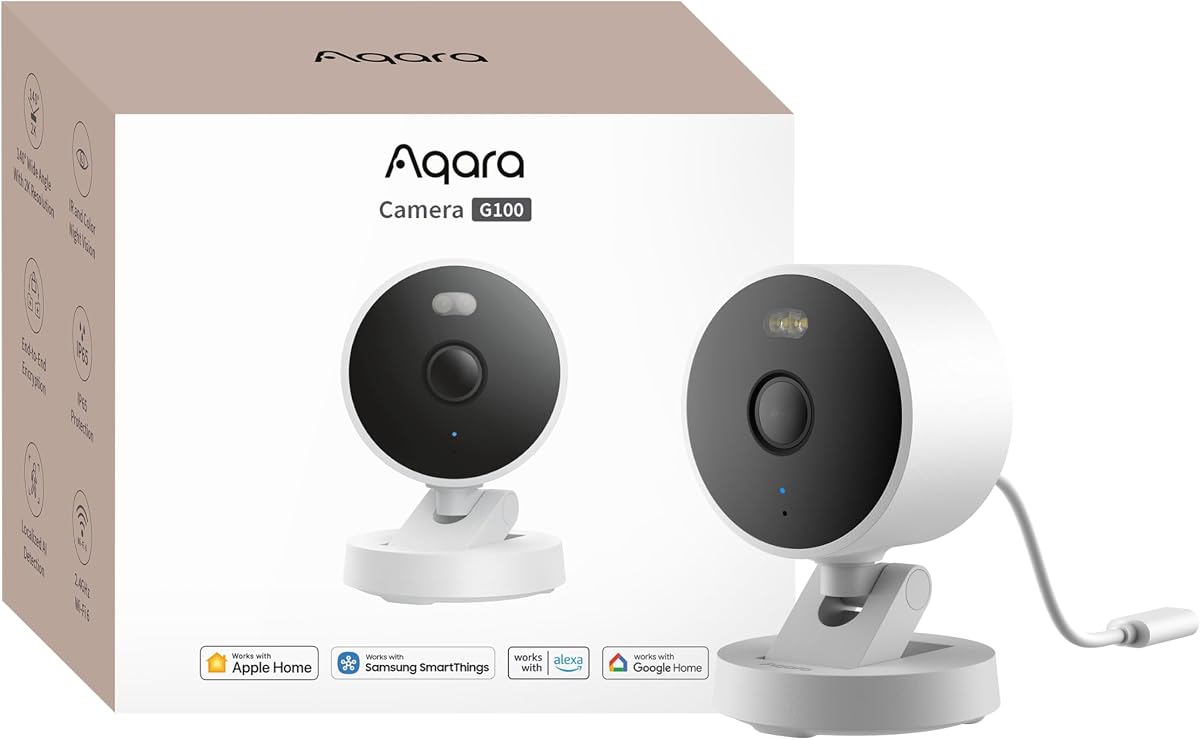



The Aqara G350 stands out as a top-tier indoor option for HomeKit users seeking high fidelity video and smart connectivity. It earned a strong rating for its dual-lens design and local AI capabilities.
We may earn a commission when you buy through this link, at no additional cost to you.
Its 4K primary lens and 2.5K telephoto lens combine to deliver stunning detail with 9x hybrid zoom. The camera acts as a Matter bridge and Zigbee hub connecting up to eighty sub-devices. Local AI handles sound and gesture recognition without cloud uploads ensuring your data stays private.
While the price is higher than basic models the dual-lens system offers zoom flexibility rare in HomeKit cameras. The need to use the Aqara app for full PTZ control adds a layer of complexity but the performance justifies the effort.
Buy this if you want the sharpest indoor picture and need a hub for other smart sensors. It is the best all-in-one camera for a comprehensive Apple home ecosystem.
The dual-lens setup ensures you never miss detail whether viewing the whole room or zooming into a specific object.
By bridging Zigbee and Thread devices this camera reduces the need for separate hubs in your smart home setup.
We may earn a commission when you buy through this link, at no additional cost to you.
The Tapo C225 offers incredible value for budget conscious shoppers who still demand high quality video. It received high marks for combining a low price with a robust feature set.
We may earn a commission when you buy through this link, at no additional cost to you.
It captures 2K QHD live views with a 360-degree field of view ensuring no corner is left in the dark. The physical privacy mode blocks the lens when you are home so you know it is not recording. AI detection identifies people and pets to reduce false alerts.
The trade-off is that it relies on a microSD card for storage which means no cloud backup if the card is lost. However the physical privacy switch provides peace of mind that electronic privacy modes cannot match.
Choose this camera for an entry point into HomeKit security without compromising on video clarity. It is the smartest budget pick for indoor monitoring.
The lens physically blocks when privacy mode is active giving you absolute visual assurance that the camera is not looking.
Despite its low price this camera delivers video quality that rivals models costing twice as much.
We may earn a commission when you buy through this link, at no additional cost to you.
The G5 Pro is a premium outdoor camera designed for serious home security enthusiasts. It boasts true color night vision and a robust hub integration features for a high rated HomeKit experience.
We may earn a commission when you buy through this link, at no additional cost to you.
Equipped with a large aperture sensor it captures true color video even in low light without needing infrared. The camera supports dual band Wi-Fi for faster data transfer and includes an 8GB encrypted eMMC storage for local recording. It also bridges Zigbee and Thread devices.
The high price reflects its premium capabilities but the need for a dedicated power adapter limits placement flexibility. Local sound detection helps trigger automations even during internet outages making it reliable in unstable networks.
Invest in this model if you need reliable outdoor surveillance with color night vision and hub capabilities. It is the most capable premium option for a wired setup.
Large aperture sensor allows for color recording in dark conditions eliminating the need for traditional infrared footage.
Dual band support allows you to choose the best connection speed or coverage depending on your router setup.
We may earn a commission when you buy through this link, at no additional cost to you.
The G100 bridges the gap between indoor and outdoor use with a durable design and clear video. It received positive feedback for its IP65 rating and wide compatibility with third-party devices.
We may earn a commission when you buy through this link, at no additional cost to you.
It records in 2K resolution with a 140-degree field of view. The spotlight and IR night vision modes provide flexibility for dark environments. HomeKit support is comprehensive though resolution is limited to 1080p in the Home app.
Manual enablement for night vision modes can be tedious compared to automatic activation. However the IP65 rating ensures it withstands rain and dust effectively for long term outdoor placement.
Select this camera for a versatile single unit that handles both porch and indoor monitoring. It is a reliable choice for general home surveillance.
The IP65 housing protects the internal components from dust and water jets ensuring years of reliable service.
Support for Wi-Fi 6 ensures smoother streaming even in congested network environments near the router.
We may earn a commission when you buy through this link, at no additional cost to you.
The eufy E30 is designed to track pets and family members with precision. It is highly rated for its auto-tracking feature and lack of monthly fees.
We may earn a commission when you buy through this link, at no additional cost to you.
It captures 4K video and uses AI to distinguish humans and pets. The auto-tracking moves the camera to follow the subject ensuring you never miss a pet. Color night vision is supported with a built-in spotlight.
Storage relies on an SD card which must be purchased separately. While HomeKit integration is good resolution is capped at 1080p in the Apple Home app.
Buy this if you want to monitor pets without paying monthly fees. It is the top choice for pet owners needing reliable tracking.
Smart AI automatically follows movement allowing you to see your pet from any angle without manual input.
All functions work with local storage so you can monitor your home without ongoing subscription costs.
We may earn a commission when you buy through this link, at no additional cost to you.
The E1 offers a full 360-degree view to eliminate blind spots indoors. It is recognized for its USB-C design and reliable HomeKit Secure Video integration.
We may earn a commission when you buy through this link, at no additional cost to you.
It delivers crisp 2K video with automatic person tracking and privacy mode pivot. Local AI processing detects movement without cloud uploads. USB-C power offers a modern alternative to barrel connectors.
The power supply is not included which adds a small cost to the purchase. The camera relies on app settings for advanced automation which may require setup time.
Choose this for a versatile indoor camera that can rotate to cover the whole room. It is a practical choice for living room monitoring.
Full rotation ensures the camera can see every corner of the room without moving the unit.
The modern USB-C port allows for easier cable management and connection options compared to older models.
We may earn a commission when you buy through this link, at no additional cost to you.
Circle View is built exclusively for Apple HomeKit ensuring seamless integration with iOS devices. It is noted for its durable design and wide field of view.
We may earn a commission when you buy through this link, at no additional cost to you.
It features TrueView video technology for clear contrast and a 180-degree angle. Privacy is maintained by tilting the camera down when not in use. It records motion events rather than continuous footage.
The lack of continuous recording saves storage but means you cannot review static periods. Resolution is limited to 1080p which is standard but not high definition.
Select this if you want a reliable homeKit exclusive camera for a porch. It is best for simple motion detection needs.
Being designed specifically for Apple ensures the Home app works perfectly without extra configuration or third-party apps.
You can physically tilt the camera down to ensure no video is captured when you are at home.
We may earn a commission when you buy through this link, at no additional cost to you.
Eve Cam is built for maximum privacy with local data processing and no cloud dependency. It is highly rated for its focus on security and Apple integration.
We may earn a commission when you buy through this link, at no additional cost to you.
It processes video locally to ensure only you view footage. Smart automation deactivates the camera when you are home to respect privacy. It detects people and pets without sending data to external servers.
The requirement for iCloud Plus adds a cost to the initial purchase. It is expensive compared to other models but privacy is a priority.
Choose this if privacy is your primary concern and you already have iCloud Plus. It is the best option for strict local data control.
Video analysis happens on the device so sensitive data never leaves your home network for analysis.
It can trigger automations based on presence detection to adjust lighting or alarm states automatically.
We may earn a commission when you buy through this link, at no additional cost to you.
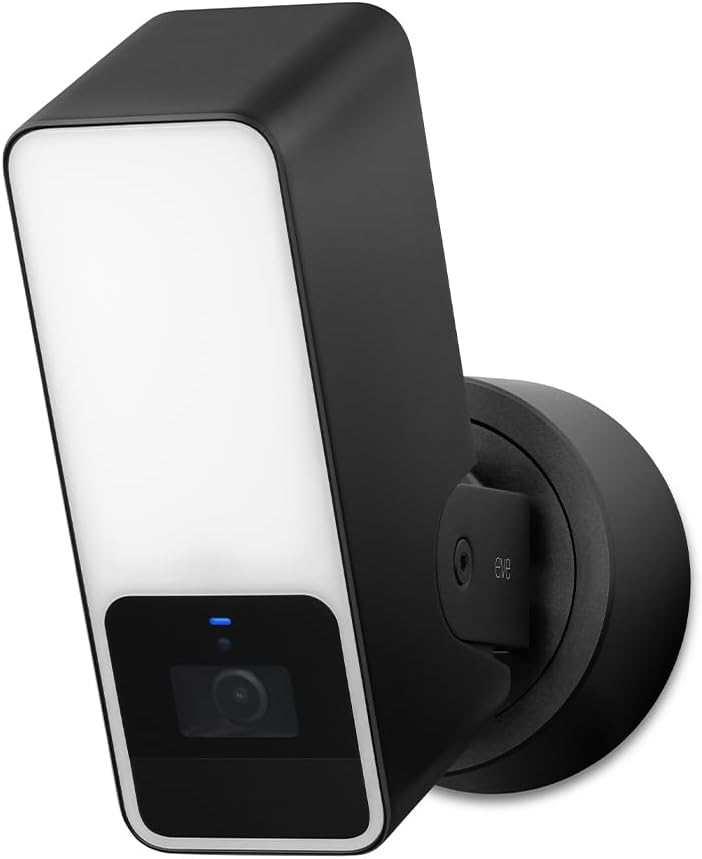
Eve Outdoor Cam is a secure floodlight camera designed for maximum privacy and security. It is known for its robust privacy settings and detailed object detection.
We may earn a commission when you buy through this link, at no additional cost to you.
It features a dimmable floodlight and identifies people pets and vehicles. End-to-end encryption ensures data security without cloud storage. It requires a neutral wire and ground connection for installation.
Installation can be challenging if your wiring lacks a neutral wire. The price is high but the hardware is solid for professional setups.
Invest in this for a permanent outdoor setup with strong privacy features. It is the best choice for homeowners who prioritize security.
The integrated light boosts visibility during night and discourages intruders from approaching your property.
Differentiates between vehicles and people to reduce false alarms and focus on relevant security events.
We may earn a commission when you buy through this link, at no additional cost to you.
The G5 Pro PoE offers Power over Ethernet for simple cabling and reliable power. It is highly rated for its stable wired connection and high resolution.
We may earn a commission when you buy through this link, at no additional cost to you.
It supports local AI and bridges Zigbee Thread devices. The camera records locally and integrates into HomeKit Secure Video. PoE removes the need for a separate power adapter.
You must buy a PoE switch separately which increases the initial cost. However the reliability of a wired connection is superior to Wi-Fi.
Choose this for a robust outdoor camera that never worries about power outages. It is the top pick for wired security setups.
Single Ethernet cable provides both power and data stream which simplifies installation on walls.
Wired connection eliminates Wi-Fi interference ensuring consistent video streaming and alerts.
We may earn a commission when you buy through this link, at no additional cost to you.
Selecting the right HomeKit camera requires understanding video quality storage options and privacy features.
Higher resolution cameras like 4K or 2K offer clearer details for identification. Ensure the camera supports high dynamic range to capture images in bright sunlight or dark shadows. A wider field of view reduces blind spots in large areas.
Prioritize cameras with at least 2K resolution for indoor use and clear night vision features.
Look for devices that explicitly support HomeKit Secure Video to leverage iCloud storage and encryption. This feature ensures clips are stored locally or in iCloud with end-to-end encryption for privacy.
Verify the camera is listed in the Home app as compatible to access all Apple features.
Some models support microSD or NAS storage for continuous recording without subscriptions. Cloud storage via iCloud requires a subscription but offers easy off-site backups.
Decide based on your budget and preference for local control versus cloud convenience.
Advanced AI detection distinguishes between people pets and vehicles to reduce false alerts. Local processing is preferred to keep data within your home network.
Choose models with local sound detection for baby monitoring or alarm triggers without internet.
Wired cameras offer reliability while battery models allow flexible placement. Dual-band Wi-Fi or Ethernet connections ensure stable streaming in congested networks.
Check power requirements like PoE or USB-C to plan your installation layout.
Physical privacy shutters or tilting lenses ensure you know exactly when a camera is recording. End-to-end encryption protects video streams from unauthorized access.
Select cameras with visible privacy indicators for peace of mind inside your home.
Outdoor cameras need weather-resistant ratings like IP65 or IP67 to withstand rain and dust. Indoor cameras should be compact and unobtrusive to blend with decor.
Verify the rating matches your intended location for long term reliability.
Support for Matter or Zigbee allows broader smart home control beyond Apple. Home Assistant or Alexa integration adds flexibility for tech savvy users.
Consider future smart home plans when selecting connectivity protocols.
Set up your camera by connecting it to your home network and adding it to the Home app via QR code or scanning. Follow on-screen instructions to pair with HomeKit Secure Video.
Regularly check the lens for dirt or spider webs to ensure clear video quality. Clean with a soft microfiber cloth and avoid harsh chemicals that may damage the finish.
Update firmware frequently to maintain security and access new features. Adjust detection zones to minimize false alerts from trees or pets outside your view.
Yes a HomeKit Secure Video requires an iCloud+ plan to store footage securely. The basic free tier does not support video storage. This subscription ensures your clips are protected with end-to-end encryption.
Many modern cameras like Aqara models support Matter to bridge with Alexa or Google Home. However the HomeKit specific features like Secure Video only work within the Apple ecosystem. Check the product specs for third party bridge support.
Open the Home app and tap the camera icon to view live feed. Clips from Secure Video appear in the home app history tab. You can also access history on your Apple TV or iPad.
Local storage models with microSD cards will continue recording offline. However you may not receive instant notifications or remote access until the connection is restored. Some advanced cameras have offline automation capabilities.
Wired models like Eve Outdoor Cam need professional wiring including a neutral wire. Wireless or battery options are easier to mount but require regular charging. Always check power requirements before drilling holes.
HomeKit Secure Video clips are retained for 10 days automatically. This duration is standard across supported devices to manage storage limits. You cannot manually extend this retention period.
Yes HomePods serve as home hubs enabling remote access and automation. You can ask Siri to show camera feeds on Apple TVs or iPhones connected to the hub. This integration creates a seamless smart home experience.
Some models like Tapo have physical manual shutters while others use software modes to disable video. Manual shutters provide a physical barrier ensuring no video is captured at all. Check the specs for privacy mode details.
The Aqara G350 stands out as the top overall choice for its dual-lens quality and hub capabilities. Budget shoppers will appreciate the Tapo C225 while premium users benefit from the G5 Pro's True Color night vision.
Prioritize resolution and storage type based on whether you need continuous recording or just event clips. Ensure the camera supports local AI detection to maintain privacy and reduce alerts.
Always verify current availability and compatibility before purchasing to ensure the model meets your specific needs. Prices and stock fluctuate so checking retailer details is essential for a successful setup.